Maintenance
- 79 -
B
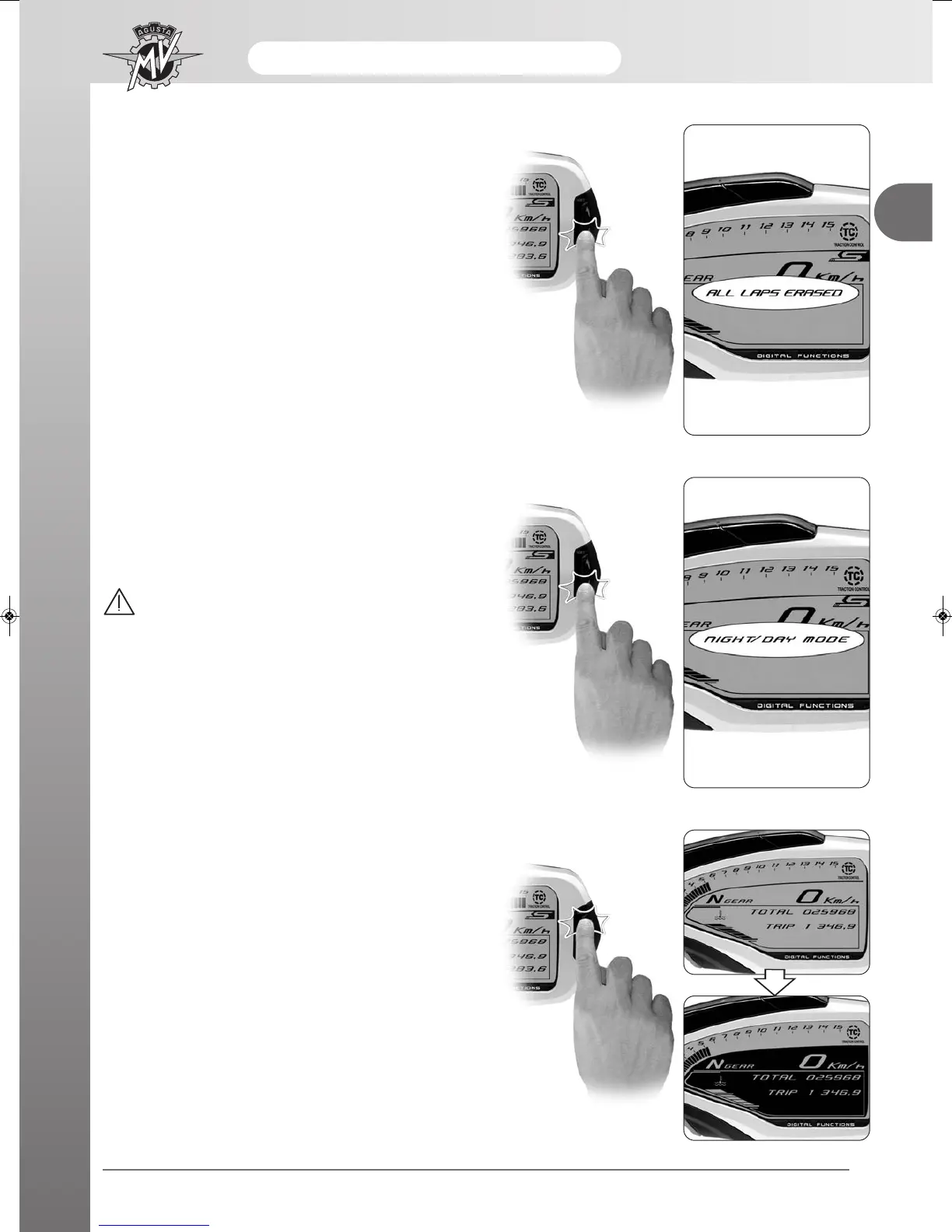
- By pressing the “OK” key for more than three
seconds, all the previously acquired times will be can-
celled. By pressing the “SET” key for less than three
seconds, the cancellation procedure will be interrup-
ted.
- Once all the data have been cancelled, the display
shows “ALL LAPS ERASED”, then returns to the
“LAPS VIEW” mode.
“NIGHT/DAY” Mode
- To convert the display background colour, access the
“NIGHT/DAY MODE” and press the “OK” key for less
than four seconds.
WARNING
The display modes may be changed or set
when the engine off, the gear in neutral, the
motorbike stationary with your feet on the
ground. Do not change the display while dri-
ving.
- By pressing the "SET” key, the daytime and night-
time display modes can be changed repeatedly.
- Once the display background colour has been defi-
ned, press the “OK” key for more than three seconds
in order to confirm the chosen display mode and to
return to the “NIGHT/DAY MODE”. The defined back-
ground colour will be maintained in all the subsequent
modes of use of the dashboard.






 To Next Page