PRODUCT MANUAL iCOOK - DT.MP.IC.2201.2
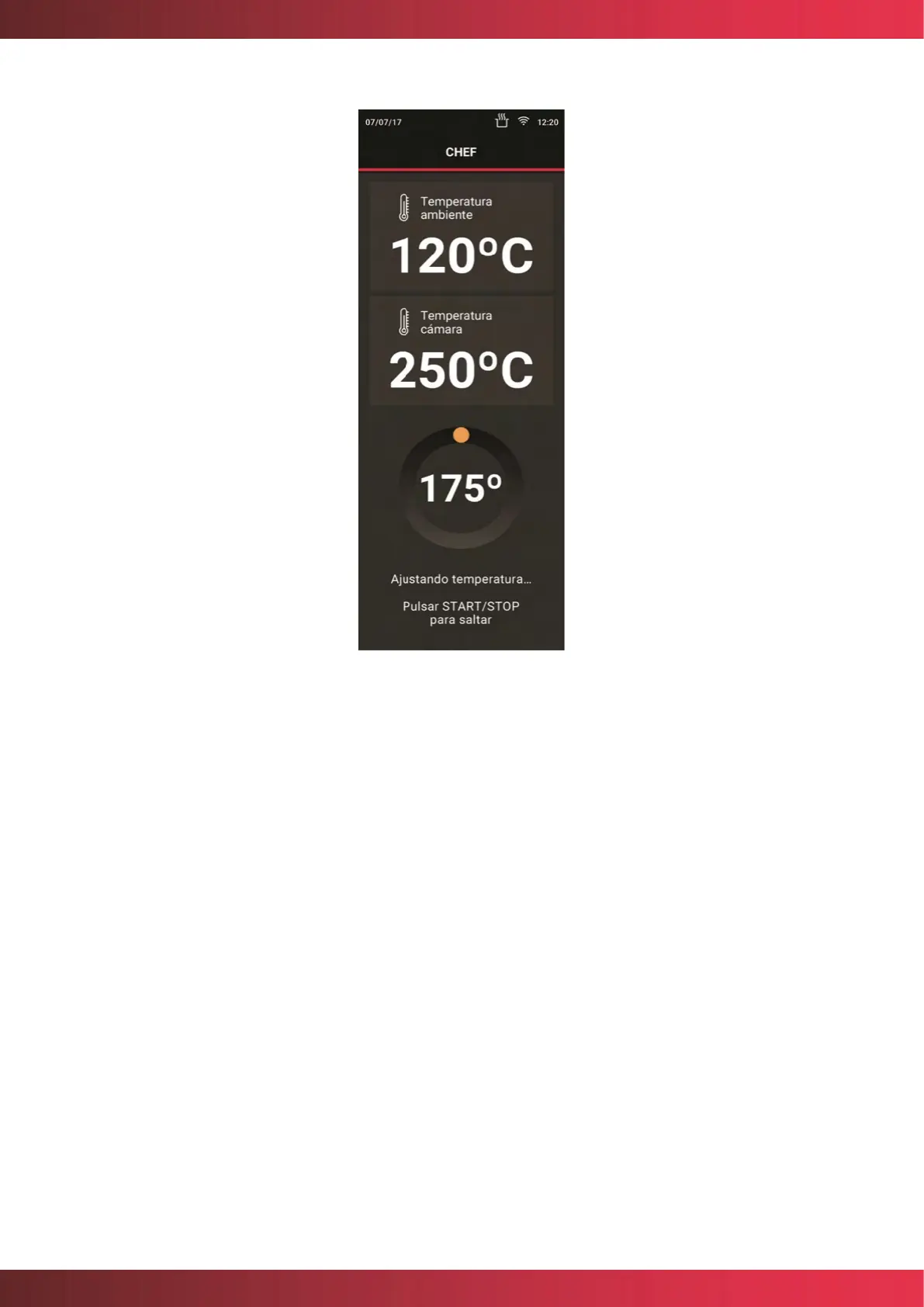
Figure 11. Temperature settings screen
If necessary, the following display for the temperature adjustment process will be displayed
before cooking begins, indicating the chamber temperature.
If the user wishes, he or she can interrupt this process and start directly with cooking.
Pressing the circular button START/STOP button omits preheating and starts cooking.
Once the oven reaches the preheating temperature, the user will be told that the oven can
be charged by means of an acoustic and visual warning: an animation will be shown on the
screen as in the picture.



 To Next Page