PRODUCT MANUAL iCOOK - DT.MP.IC.2201.2
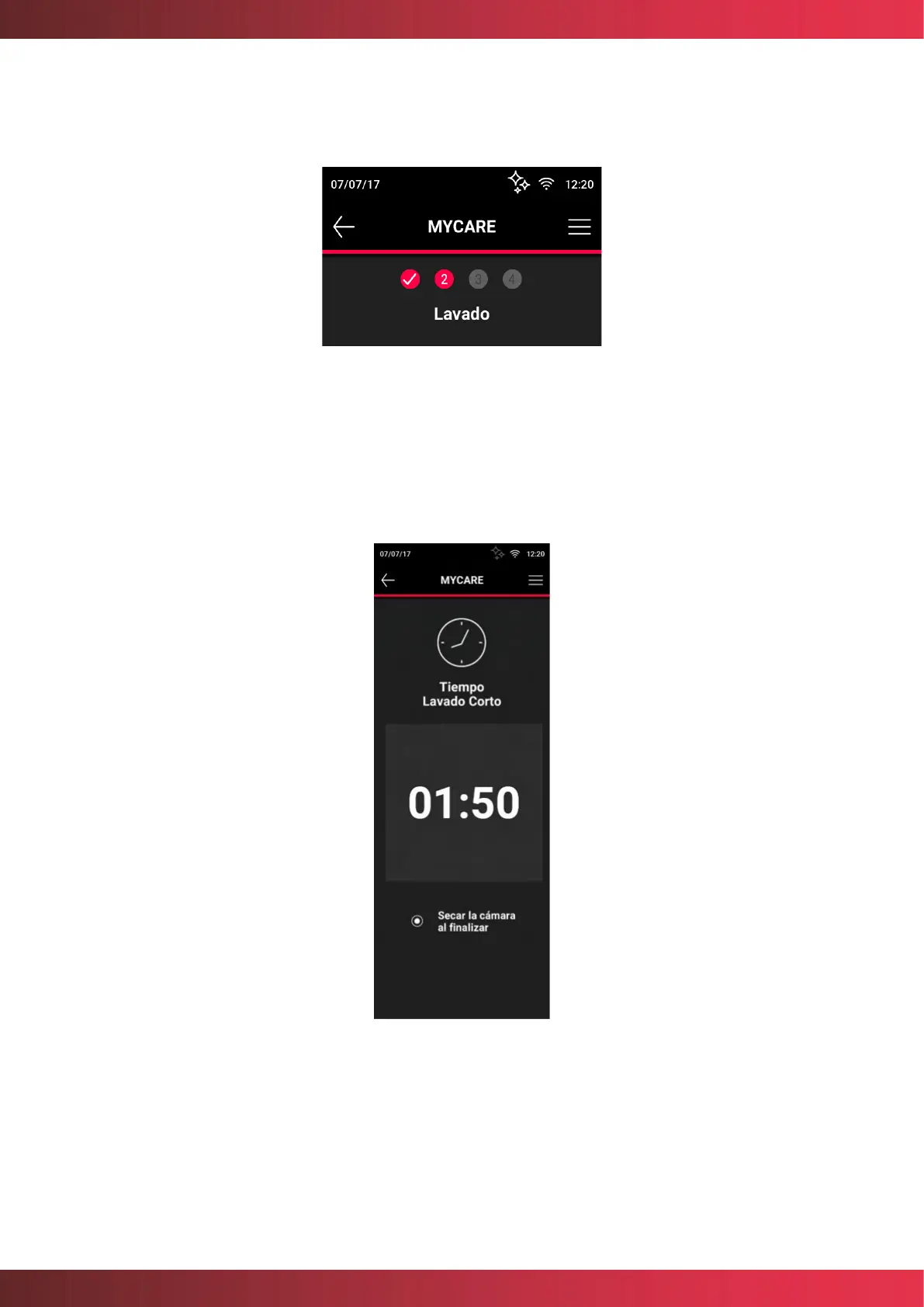
Once the selected washing program has been started, the display will show the oven user
the progress and ask him/her to perform the necessary actions to carry out the task correctly.
Figure 30. Washing progress information
At the end of a washing program, the chamber may be dried. To do this, it is necessary to
select the option "Dry at the end of the camera", at the beginning of the program, prior to
selecting the circular button START/STOP.
Figure 31. End of washing program
Before inserting the MyCare CleanDuo tablet, check that the cooking chamber temperature
is not too high. In certain cases, before the start of the washing program, it will be necessary
to cool the chamber by means of the Cooldown action in order to ensure that the washing



 To Next Page