PRODUCT MANUAL iCOOK - DT.MP.IC.2201.2
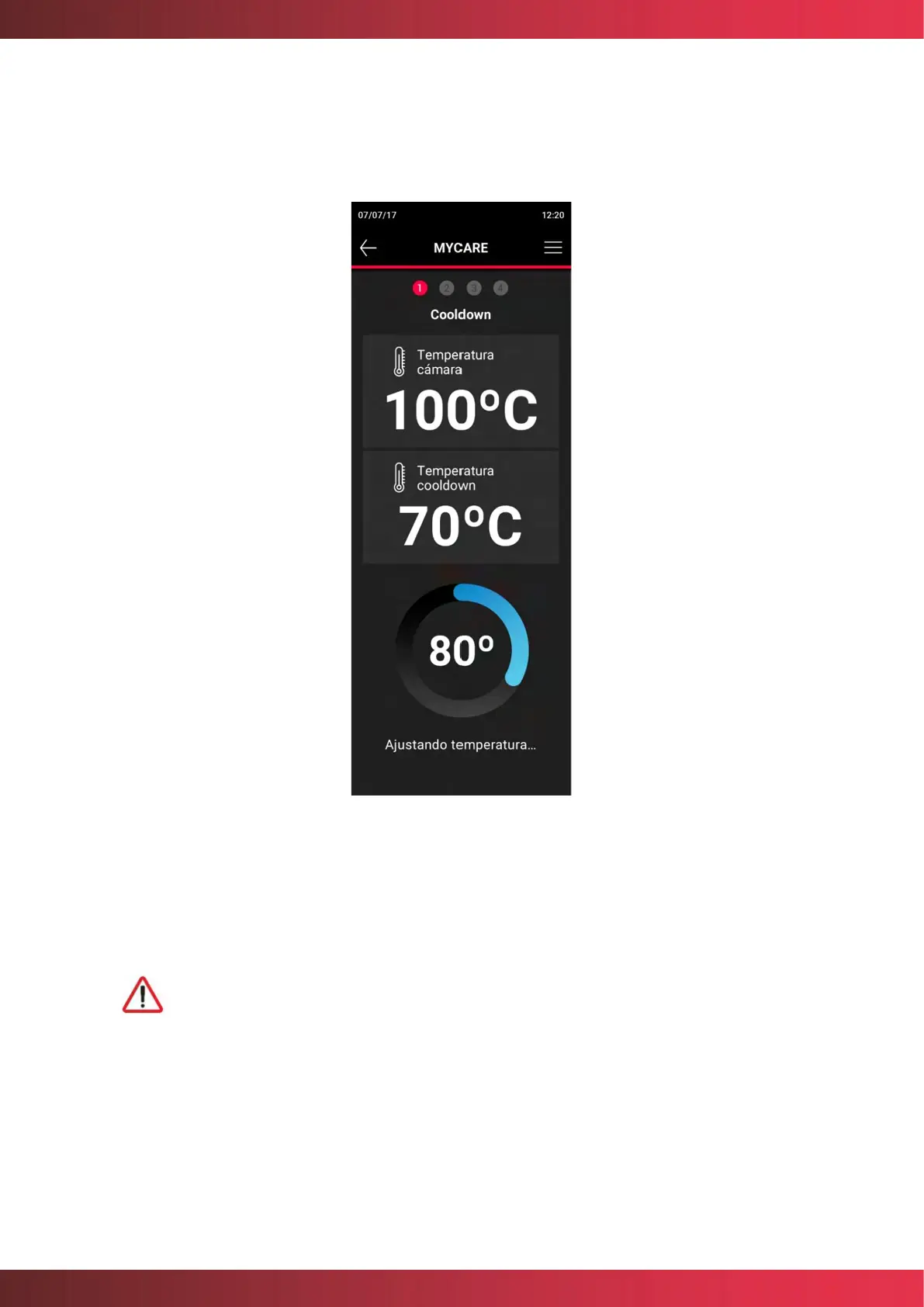
is carried out correctly. The oven will begin a cooling process that can be done with the
door open to make it faster. A direct notification will display through the following screen:
Figure 32. Cooldown process
Once the right temperature is reached, insert the detergent into the dedicated housing.
Once entered, close the door again to start the cleaning program.
Before starting any cleaning process, make sure that the water flow to the
unit is open.
If cooling is not required, you can place the MyCare detergent directly in its assigned space
and start the cleaning or rinsing.



 To Next Page