5 Operation
22 RadMan 2LT/2XT
5.3.2 Switch off the device
Press the operating button for at least 2 s.
The alarm LED illuminates.
A long beep sounds.
The device is switched off.
5.4 Displaying the charge state
The charge state is displayed in the individual operating phases to provide
information about the remaining charge capacity at all times:
When switching on the device
• illuminates green.
• The exposure LEDs display the remaining capacity as a bar.
• After 3 s, the display changes to the Monitor operating mode.
In operation
Charge state > 5% remaining capacity
• No display
• 3 short beeps: ---
• Individual exposure LEDs
flash for 5 s
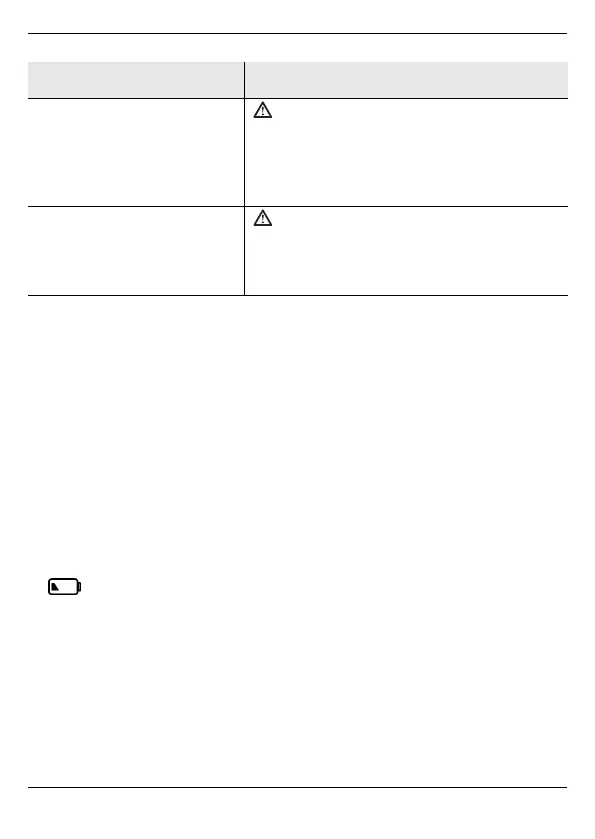
At least one error has occurred;
the device can be used, however.
The device switches to the Monitor
operating mode.
For warning messages, see page 31.
• 3 x 3 short beeps:
--- --- ---
•All 6 exposure LEDs flash
A serious error has occurred.
Do not use the device; switch it off.
The device must be repaired (see
Repair on page 33).
Signals Result/measures



 To Next Page