RadMan 2LT/2XT 27
7 RadMan 2-TS PC software
The following functions are available:
• Read out and analyze the data stored in the data logger
• Save the data in the integrated database
• Perform live measurements of current exposure values
• Configuration of the RadMan 2 (e.g., setting the local time; CET is preset)
The software is not supplied with the device but can be downloaded free of
charge from the Narda website at www.narda-sts.com.
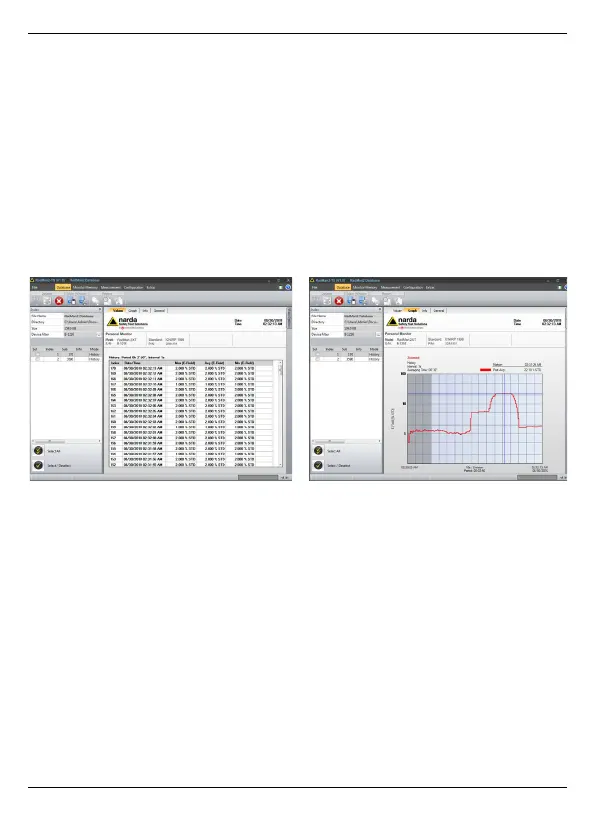
Figure 3: Tabular and graphical depiction of stored values with the help of RadMan 2-TS
PC software.
NOTE: The RadMan 2-TS PC software can be installed on all computers
with the Microsoft Windows 7 operating system or newer.



 To Next Page