18 RadMan 2LT/2XT
5 Operation
5.1 Display and operating elements
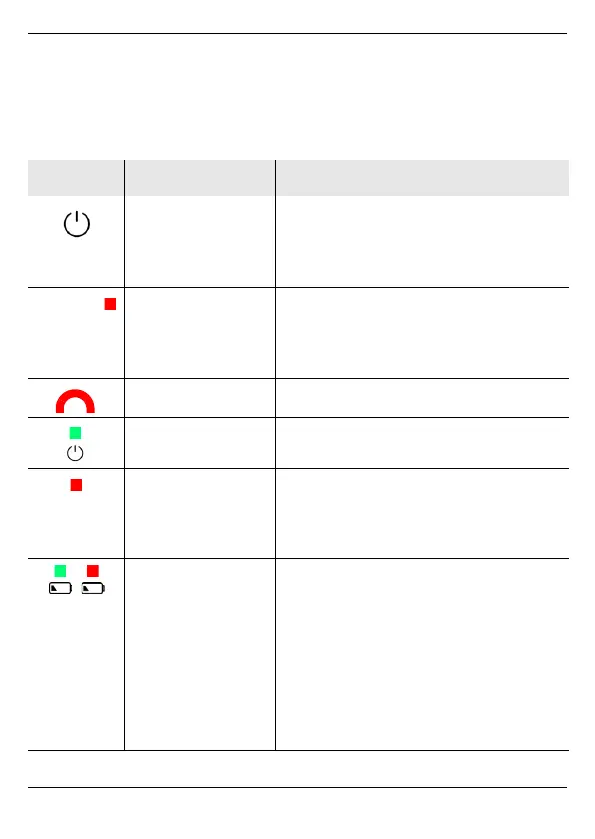
Element Name Function
Operating button
On the device side
(see figure 1, 4)
• Switch on/off
• Select operating modes (2XT)
• Select integration times (2XT)
• Display maximum exposure
Exposure LEDs 6 red LEDs for displaying:
• Exposure (5/10/25/50/100/200%)
• Charge state
• Error codes
Alarm LED Flashes red in the event of an alarm.
Power LED Flashes green during operation.
Pulse LED
(RadMan 2XT only)
Illuminates red:
• in Monitor Mode: integration
time = 30 ms
• in RF Detection Mode
Battery status
LED
While charging:
• flashes green: batteries are charging
• illuminates green: batteries are fully
charged
In operation:
• illuminates green: after switching on,
as long as the remaining capacity is
displayed
• flashes red: remaining capacity < 5%



 To Next Page