Importer Plus Technical Instruction Manual Operating the Importer Plus
Issue 0.02 2010-03-29 Page 8-7
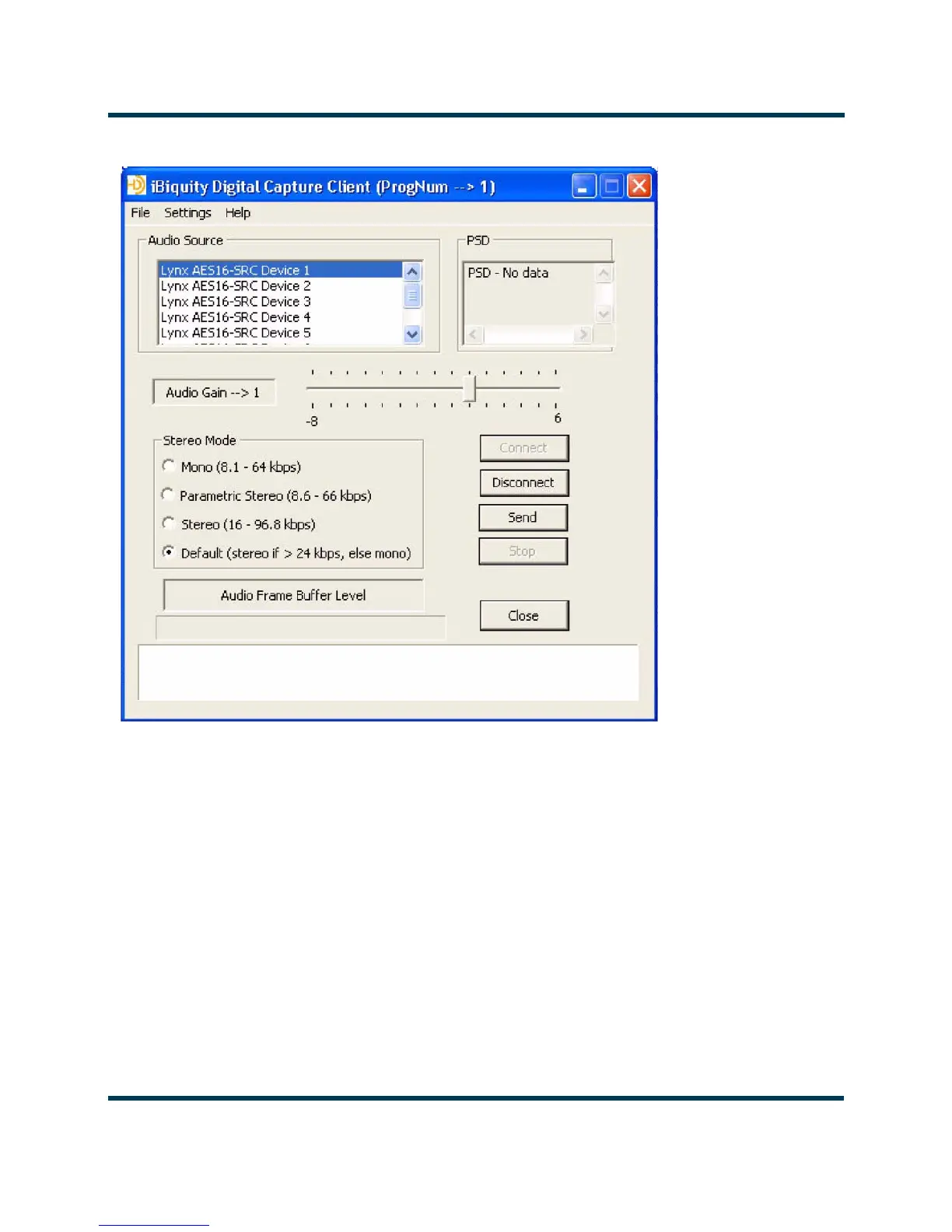
Figure 8.6: SPS Configuration screen
3. Select Lynx AES16-SRC Device 1 for SPS1.
4. Select
Lynx AES16-SRC Device 2 for SPS2.
5. Select
Lynx AES16-SRC Device 3 for SPS3.
6. Use the Settings pull-down menu to configure several parameters of the SPS Capture Client
(see Figure 8.7).



 To Next Page