Importer Plus Technical Instruction Manual Operating the Importer Plus
Page 8-8 Issue 0.02 2010-03-29
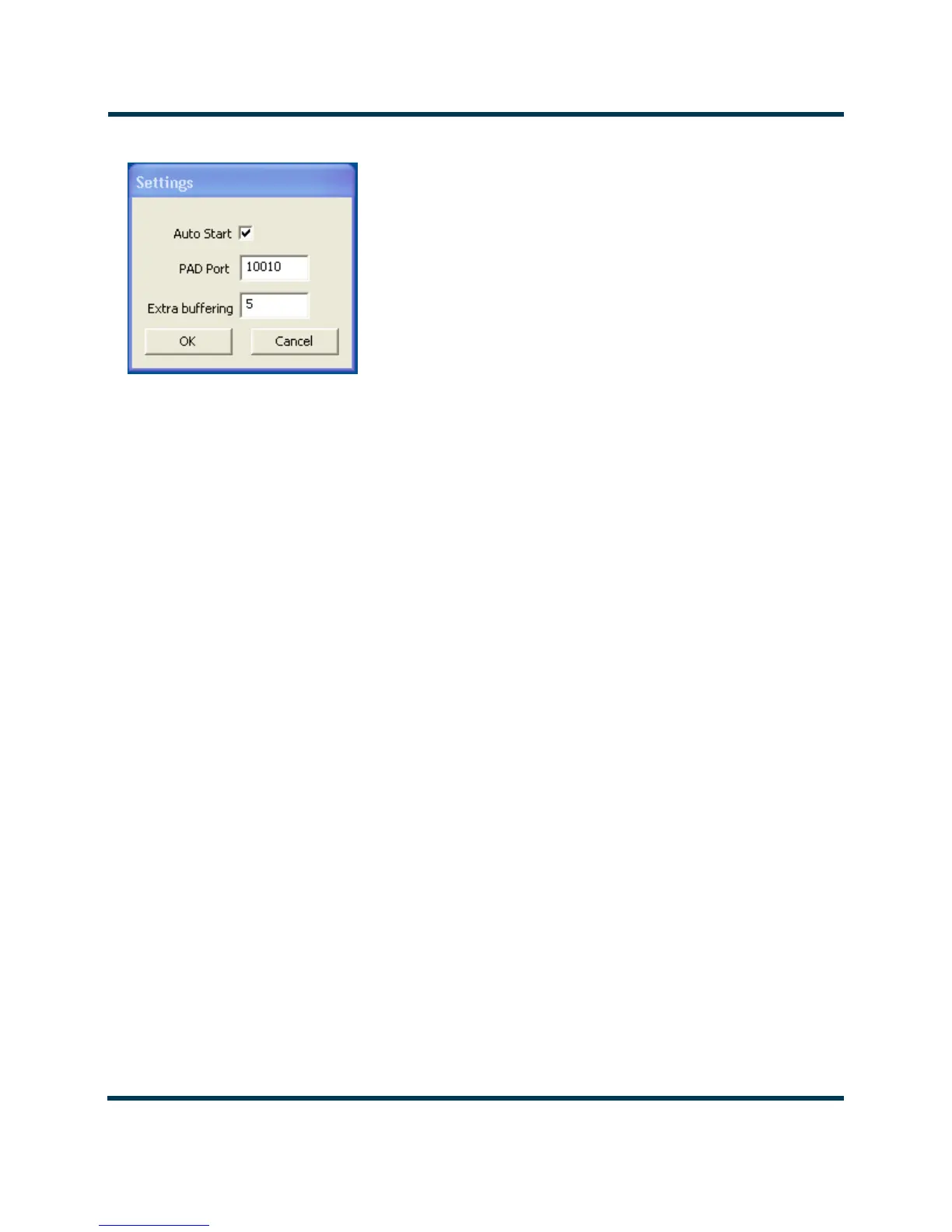
Figure 8.7: Settings Pull-down Menu
• Checking the Auto Start checkbox will cause the capture client to bypass the Username/
Password dialog and directly enter the Capture Client.
• You can change the PAD Port value for the Client. Typically, SPS1 uses port 10010, SPS2
uses port 10020 and SPS3 uses port 10030.
• You can add additional packet buffering if there are dropouts on the link between the
Importer Plus and Exporter. This may occur on a link between an Importer Plus located
at the studio and an Exporter located at the transmitter site.
7. Click on the Send button to start the process.



 To Next Page