6
Card setting
1. Turn the power ON.
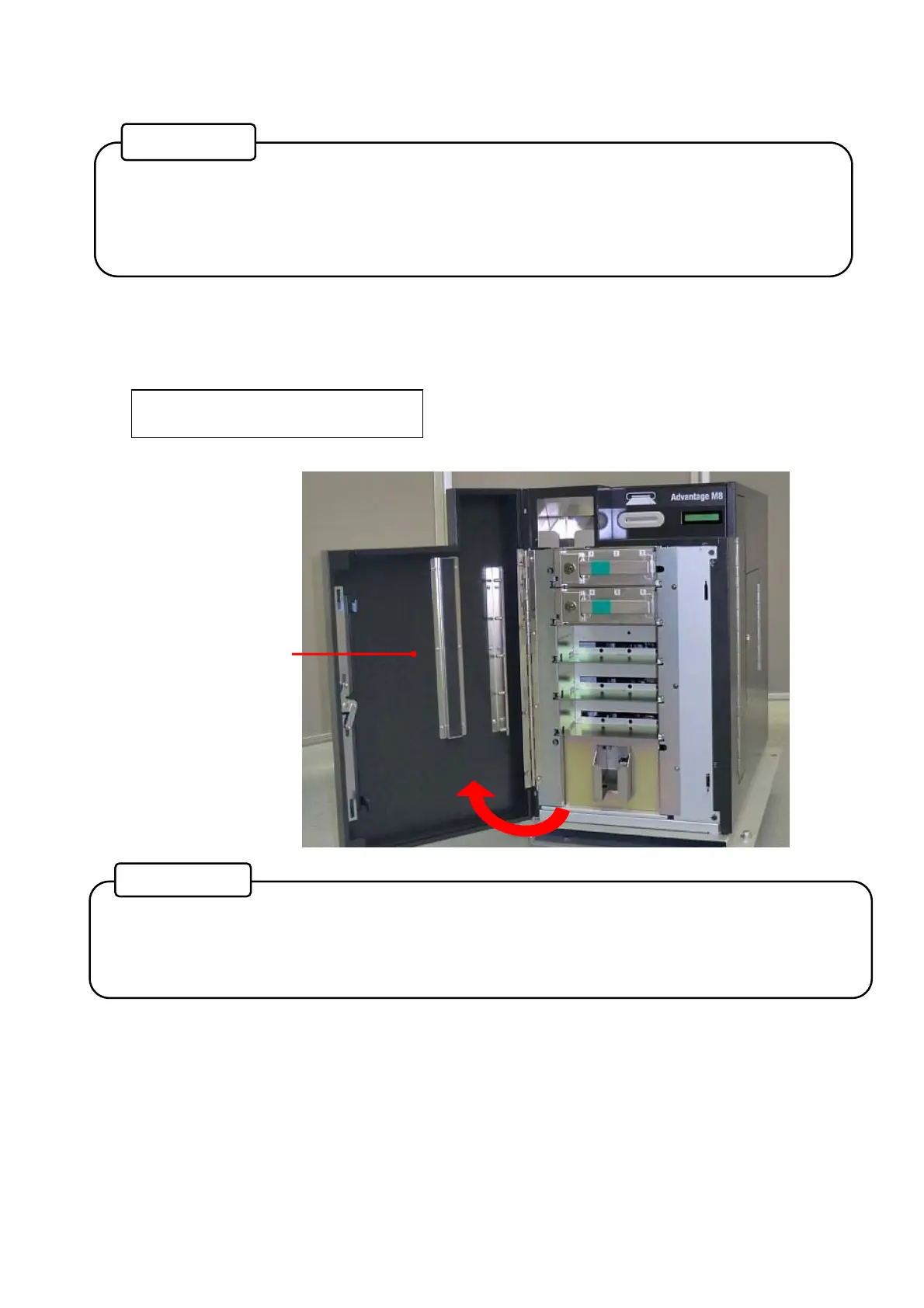
Unlock the Front cover with the application software and the key turning clockwise. When the Front
Cover is opened, the buzzer will beep, and the following error message will be indicated on the Main
display.
CV401 Front
Front Cover
• Front Cover of the main body can only be opened by unlocking both the physical cover
key and electrical lock.
• For unlocking the electrical lock, you need to connect a LAN cable and run application
software.
Reference
• After unlocking the electrical lock, the Front Cover must be opened promptly.
If the Front Cover is left closed for a while, it will be locked by the electrical lock
automatically.
Reference



 To Next Page