21
Picking up cards from Output Stacker
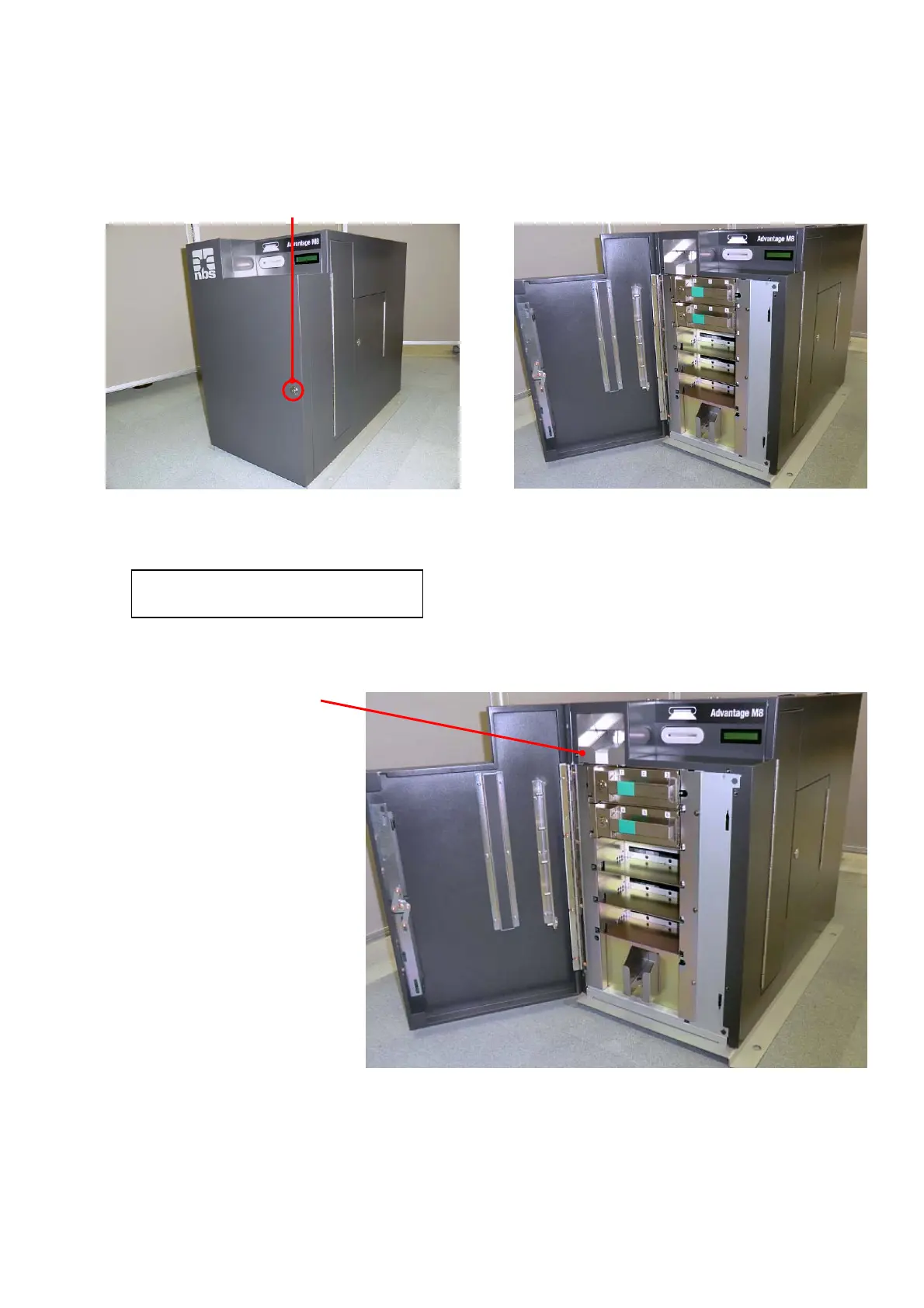
1. Turn the power ON and unlock the Front cover by application software.
Then open the Front cover by turning the key clockwise.
When the Front Cover is opened, the buzzer will beep and the following error message will be indicated
on the Main display.
CV401 Front
2. Pick up the cards from the Output Stacker.
3. Close the Front cover, and then lock the Front Cover with the key.
Output Stacker Unit
Open Front Cover.
Turn this key clockwise.



 To Next Page