11
Card Issuing
1. Turn the power ON after connecting the power cable and the communication cables.
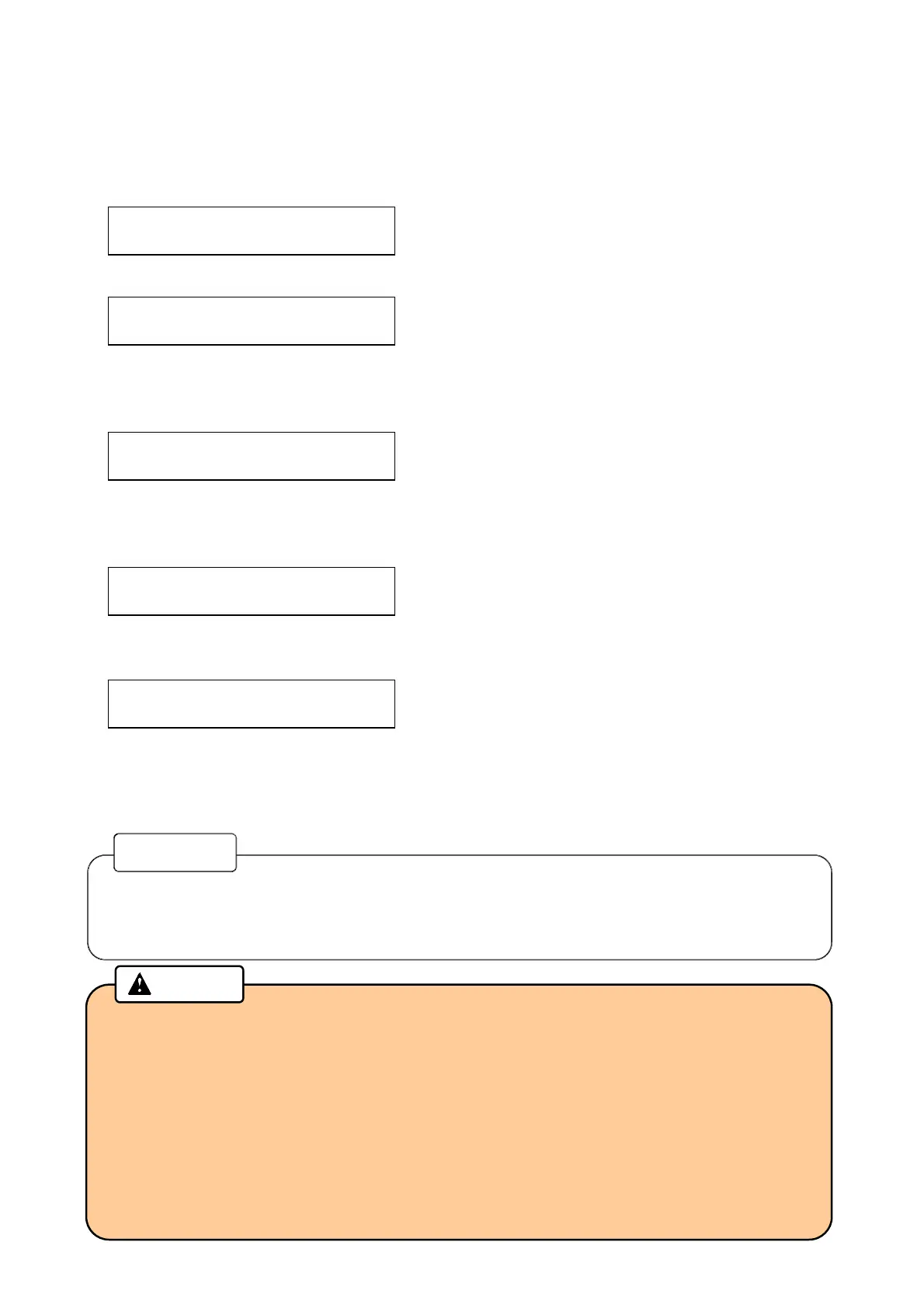
2. The following message will be indicated on the Main display.
TP Warm-up xx%
(Warming up is not completed when using Tipper.)
Not initialized
(Warming up is completed when using Tipper, or not using Tipper.)
3. Initialization triggered by the host computer.
Initializing...
(During initialization)
4. When initialization is completed, the message will be changed.
Issuing Mode
5. When received Issuing data from the host computer, Issuing operation is started.
Card Issuing
6. Issued card will be stored in the Card Stacker or ejected to the Card Insertion/Exit Slot.
7. Error card will be transferred to the Reject Box.
• If any error is detected during initialization, an error message is indicated on the Main
display.
Please refer to “Error message” in this manual about the details and its measures.
Reference
• Do not insert a card or cover the Card Insertion/Exit Slot during the operation.
• If you open the Front cover, Side door, or the Top cover during the operation, it will stop
issuing the card. Do not reuse the canceled card because the data was not be
processed correctly. You can restart the machine by turning off and on.
• In the case when the machine got turned off because of power failure or other reasons,
open the Front cover to remove the Hopper cassette. Make sure that the card does not
come out from the rear side of the Hopper cassette, and then turn on the machine
again.
Caution



 To Next Page