9
5. Insert the cassette into the main body until it clicks. Close the Front Cover to lock with the key.
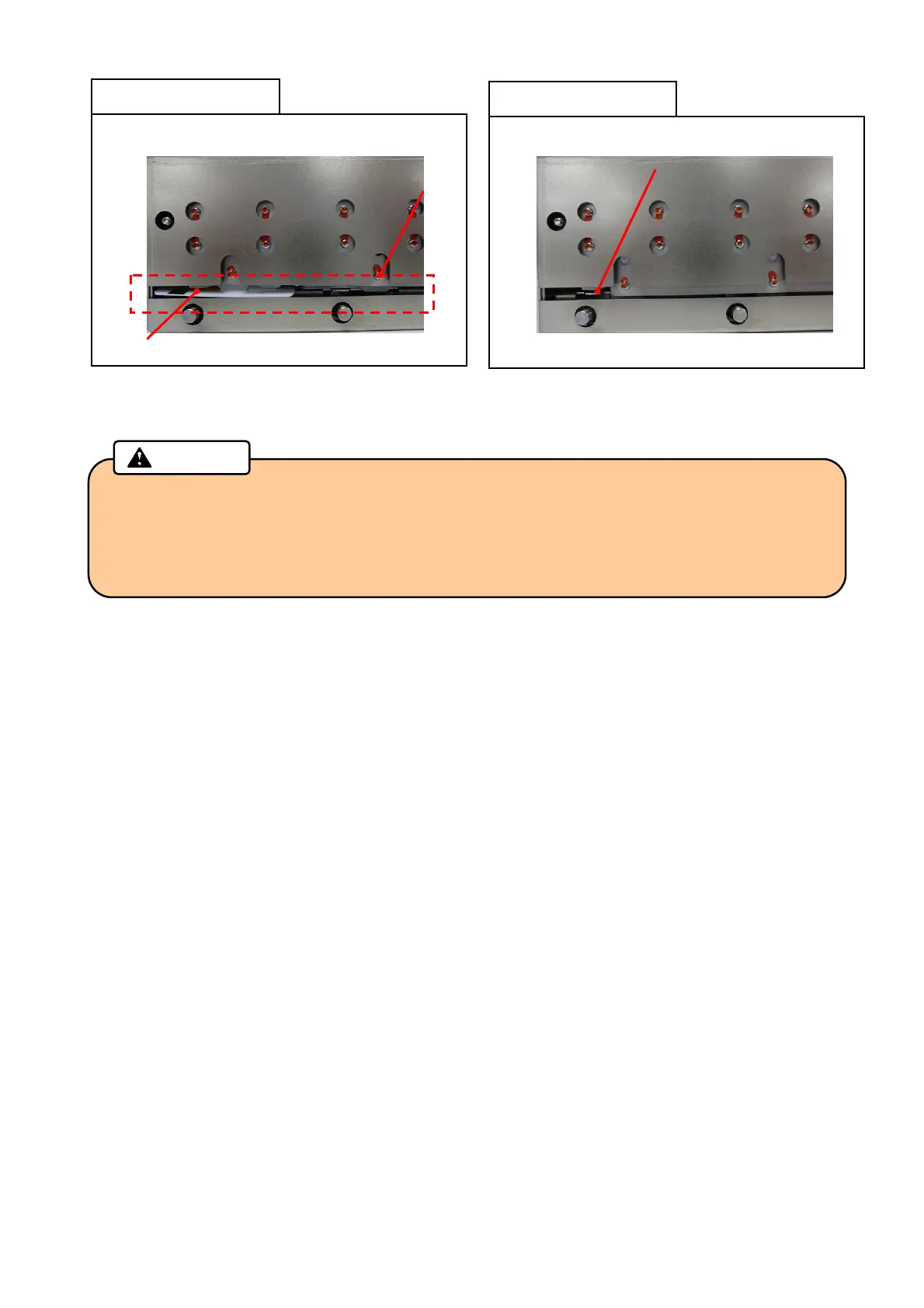
• After separating the cards to prevent them from sticking to each other, check that there is
no foreign object in the input hopper, then place the cards into the cassette.
• If you see a card edge at the gate, all cards must be taken out from the cassette and
reseated again.
Caution
Card comes out of the Gate
Bad setting example
NG
Gate
Card
Good setting example
OK
Card is placed in cassette properly



 To Next Page