27
Error Message Details and Countermeasures
EM501 Area err
The data to emboss outside of emboss available area was sent.
<Make sure if emboss data is inside of available area.>
ID401 Cst down
Cassette not moved down position.
<Power OFF and ON >
ID402 Cst up
Cassette not moved up position.
<Power OFF and ON >
ID403 Feed err
Error detected during film rotate operation.
<Power OFF and ON >
ID501 Area err
The data to emboss outside of indent available area was sent.
<Make sure if emboss data is inside of indent available area.>
IN201 Card jam
Card Jam. (caused by malfunction of motor or sensor in Input hopper Unit)
< Power OFF, and remove the card>
IN401 Card eject
The issued card was not pulled out even after a certain period of time.
<
Open Front Cover, and remove the card from Reject Unit.>
IN403 Timeout
Insert waiting time out.
<Insert card within 30 seconds after starting card issuing by application
software.>
IN421 Card exist
Detect a card remaining in Insert slot.
< Remove the card.>
SY101 No Card
Not find a card.
<Make sure if a card does not fall inside the machine.>
SY501 Not init
Card issuance command was sent before initialization.
<Initialize the machine from host PC.>
SY904 FRAM error
Detect FRAM (for data storage) error.
<Power OFF and ON >
TP211 Press err
Detect an error during Tipper foil pressing operation.
<Power OFF and ON >
TP301 HP err
Detect an error during searching home position.
<Power OFF and ON >
TP401 Wup err
Heater temperature does not reach to the established value.
<Power OFF and ON >
TP901 Temp err
Heater temperature could not reach to the established value even after the
specified time has passed.
<Power OFF and ON >
VR201 Card jam
Card Jam.(caused by malfunction of motor or sensor in Vertical Rotation Unit.)
< Power OFF, and remove the card.>
VR221 V Rota err
Detect an error during rotating operation.
<Power OFF and ON >
VR421 Card exist
Detect a card remaining on Vertical Rotation Unit.
< Power OFF, and remove the card>
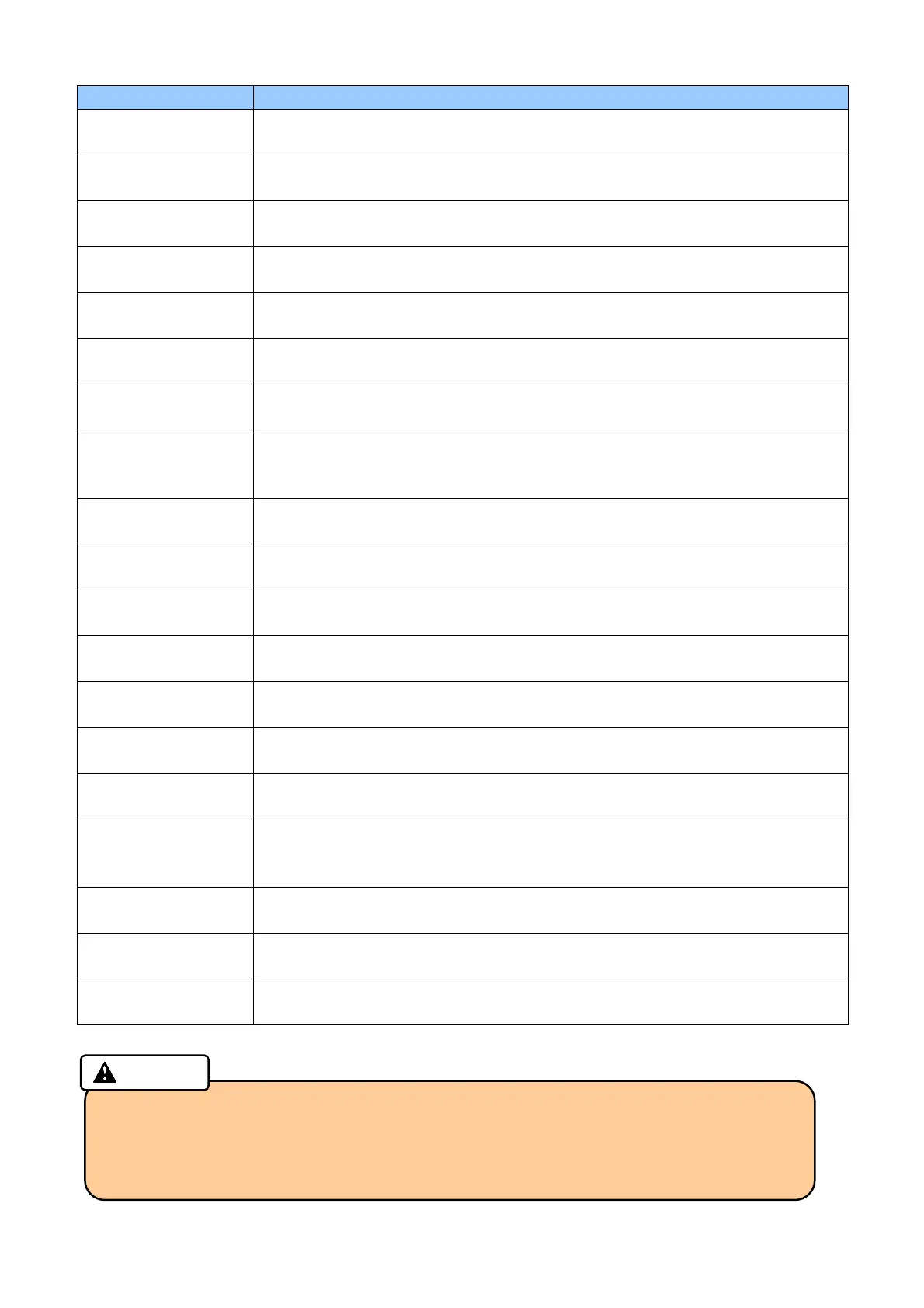
・ When serious errors listed above has occurred, be sure to shut down all power before
checking and making any countermeasure action.
・ Be sure to shut down all power and wait more than one hour before checking or
making a measure for Tipper Unit. The Tipper Unit has a high-temperature area, and it
may be the cause of an injury or a burn.
Caution



 To Next Page