47
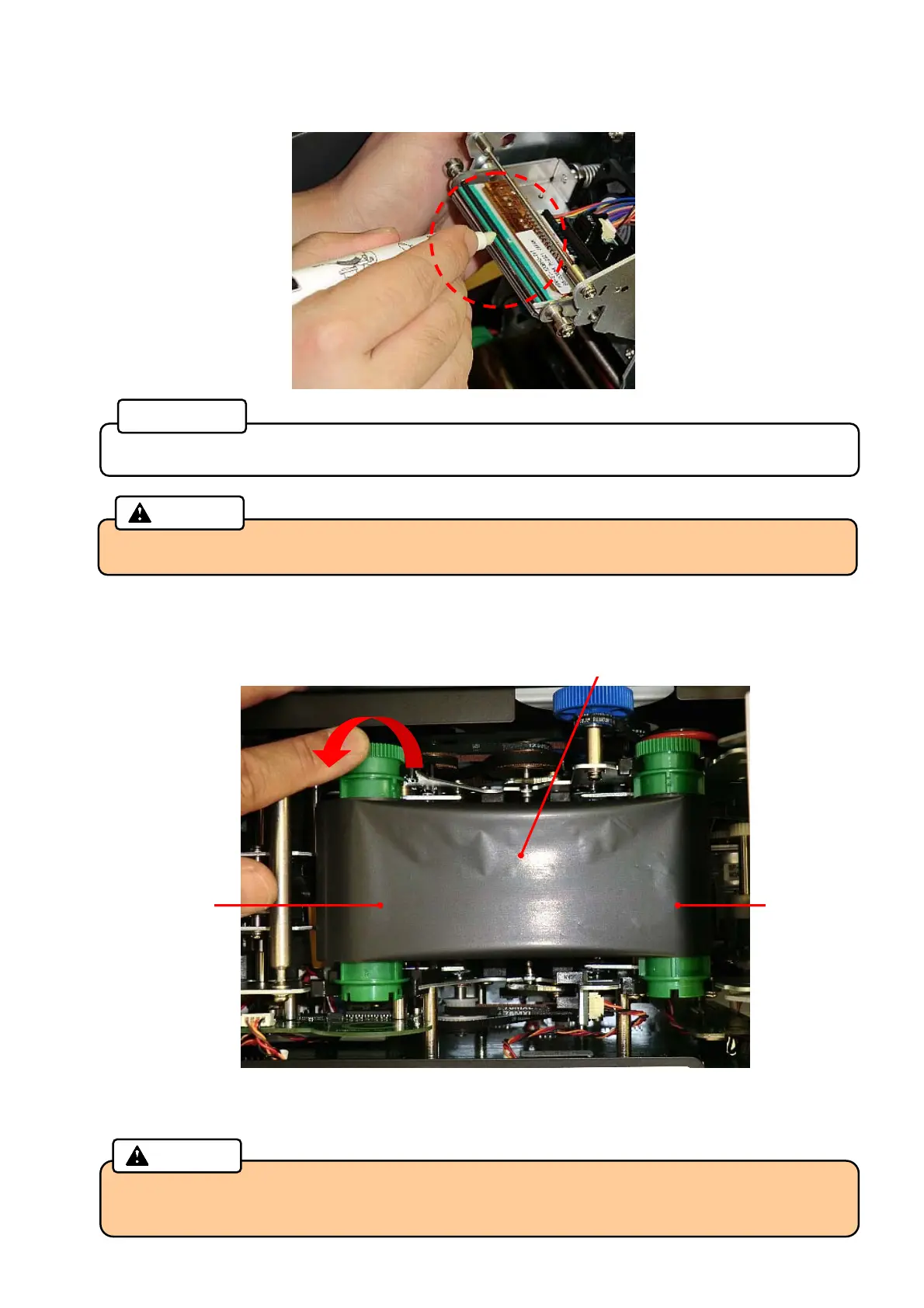
3. Clean the Thermal Print Head by using a Cleaning pen.
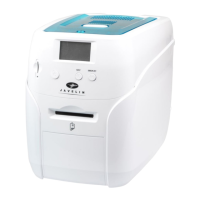
4. Wind the unused side of the Thermal Transfer Ribbon counter-clockwise to remove the slack.
5. Close the Print /Encode Unit cover until it clicks.
• Recap the pen after cleaning for reuse.
Reference
• Before closing the Print /Encode Unit cover, make sure the alcohol on the Thermal Print
Head has evaporated.
Caution
Thermal Transfer Ribbon
Unused side Used side
Wind the ribbon
• Do not touch the Thermal Print Head with your fingers.
Caution



 To Next Page