3-10 Chapter 3: Hardware Installation
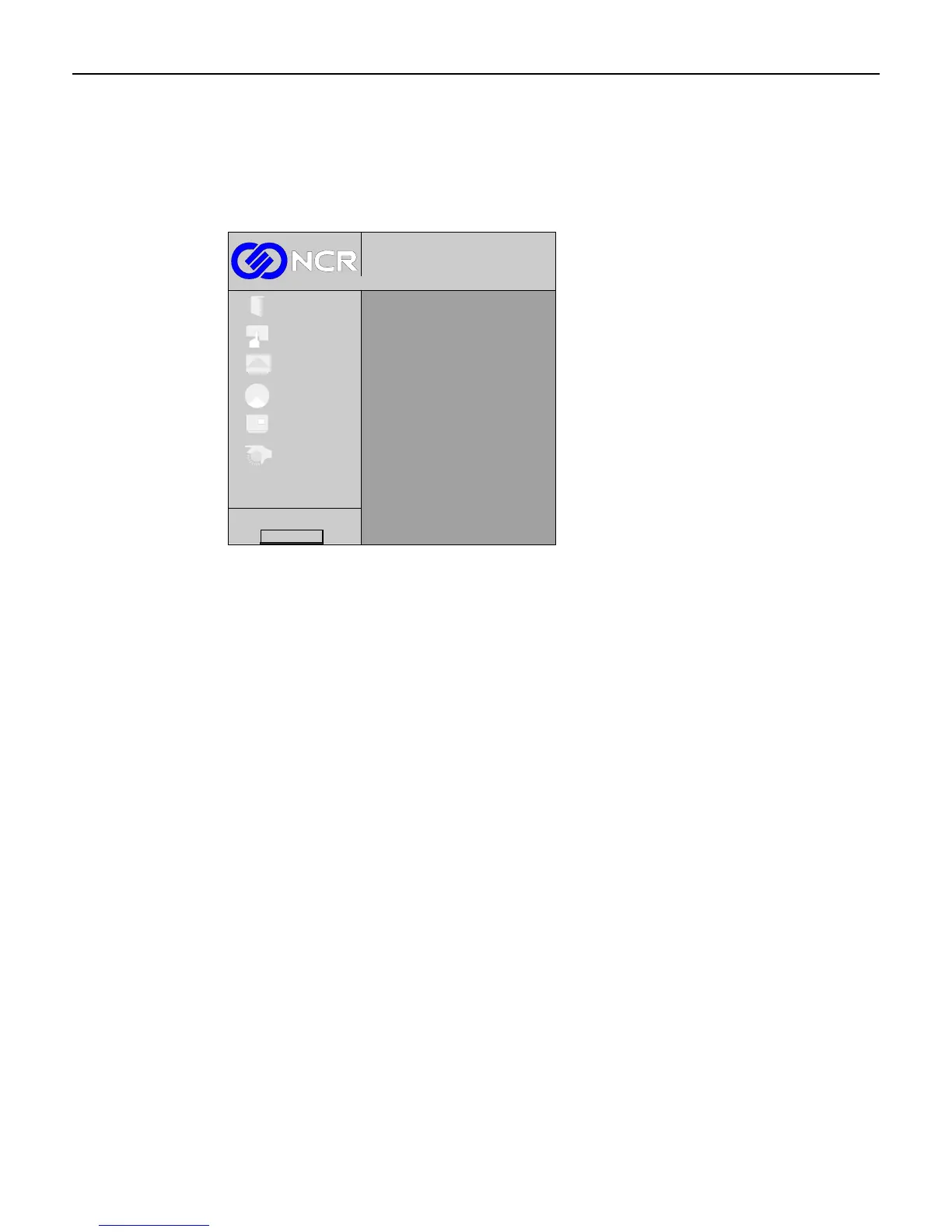
Main Menu
The Main menu is displayed when the Menu button is pressed. Press the (+) or (-) buttons to
navigate the up and down list.
Note: A video signal must be present to display the OSD menus.
1024x768@100 Hz
Digital
Exit
Setup
Picture
Colour
OSD
System
Firmware Rev.
When the desired function is highlighted, press the Menu button to advance to that function’s
menu screen. If you want to adjust another parameter press the Menu button to get back to the
sub-menu to exit.
To exit the OSD:
1. Choose Exit from within the sub-menu.
2. Press the Menu button, which takes you to the Main menu.
3. Choose Exit again and press the Menu button. If no buttons have been pressed for a short
period of time, the menu automatically disappears.
4. Press the Menu button to exit the OSD.



 To Next Page