Chapter 3: Hardware Installation 3-19
Rotation/Mirror
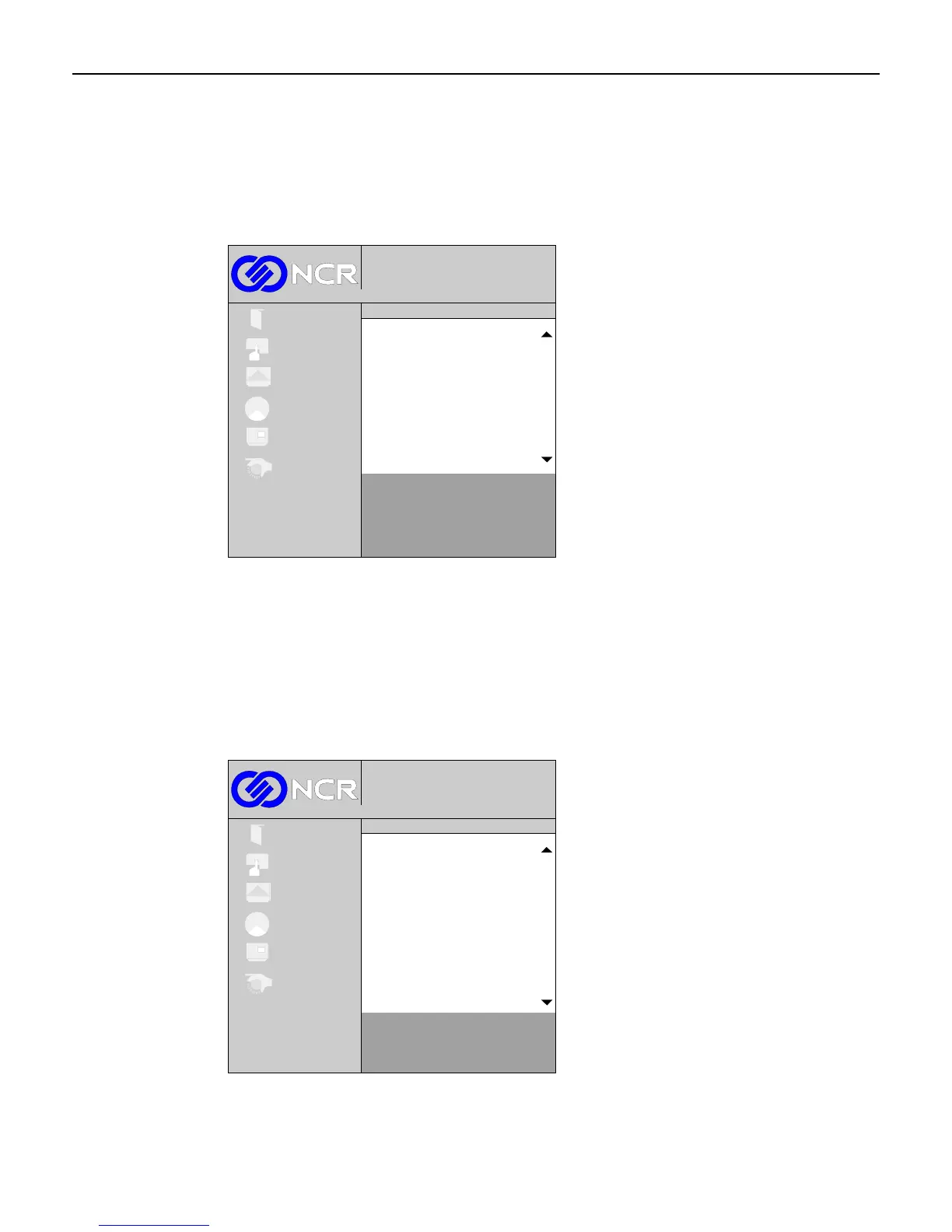
This control is used to adjust the orientation of the picture. The screen can be set to normal, a
horizontal mirror image, rotated to the left, rotated to the right, or upside down. Select
Rotation/Mirror from the sub-menu. To choose an orientation, scroll through the selections
using the (+) and (-) buttons and then press the Select button.
1024x768@100 Hz
Digital
Exit
Setup
Picture
Colour
OSD
System
Rotation/Mirror
Normal
Horizontal mirror
Rotation left
Rotation right
Upside down
Exit
To exit this screen and return to the OSD menu, press the Menu button.
Language
This control is used to set the desired language for the OSD. The OSD supports English,
French, Spanish, German, and Japanese. Select Language from the sub-menu. To choose a
language, scroll through the selections using the (+) and (-) buttons and then press the Select
button.
1024x768@100 Hz
Digital
Exit
Setup
Picture
Colour
OSD
System
Language
English
French
Spanish
German
Japanese
Exit
To exit this screen and return to the OSD menu, press the Menu button.



 To Next Page