Chapter 3: Hardware Installation 3-13
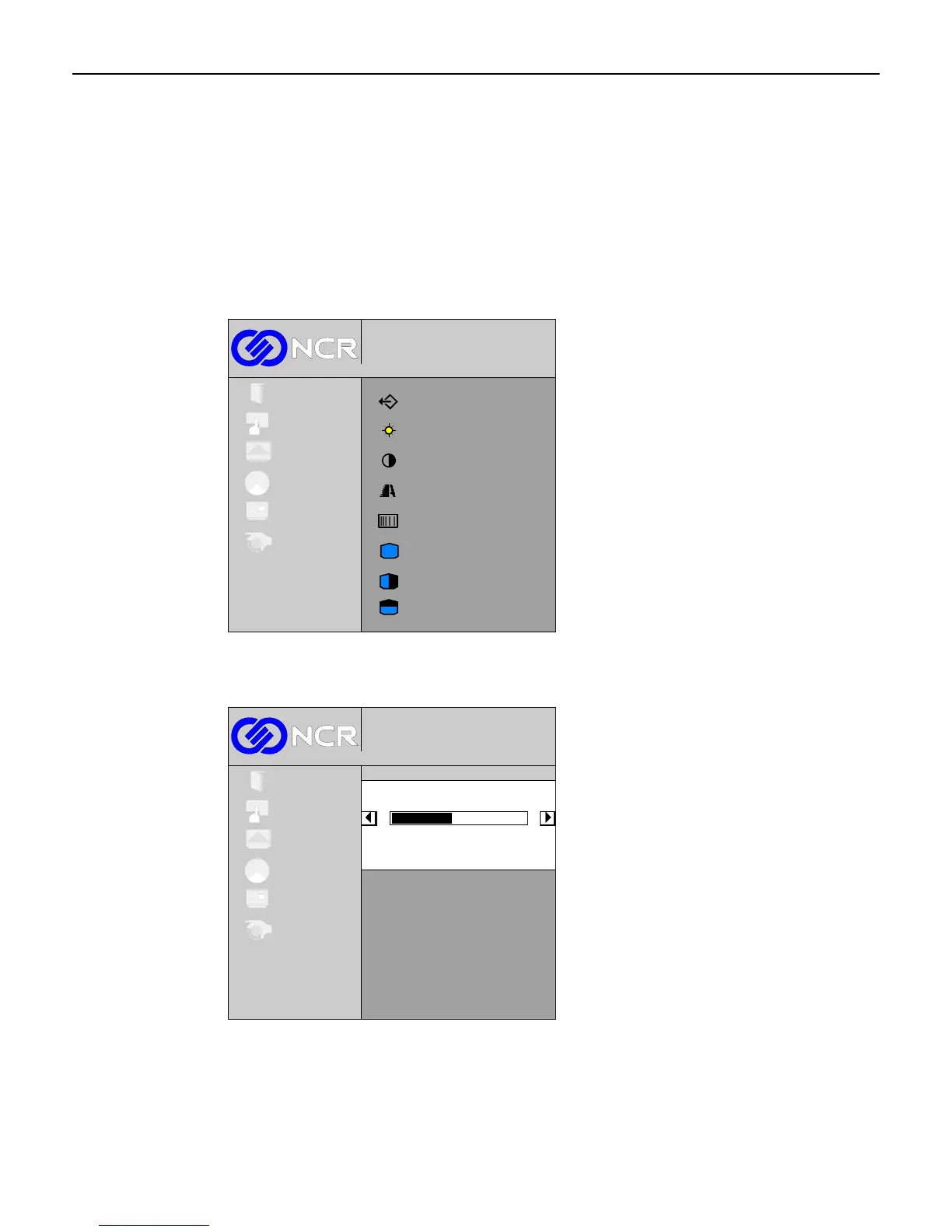
Picture Menu
Select Picture from the Main menu.
Brightness Control
This control is used to adjust the overall display black level. It does not control the lamp
brightness. Select Brightness from the Picture sub-menu.
Brightness
Contrast
Horizontal position
Vertical position
Phase adjust
1024x768@100 Hz
Digital
Exit
Setup
Colour
OSD
System
Picture
Clock adjust
Image enhancement
Exit
The minimum value is 0 and the maximum value is 100. The (+) button increases the
adjustment value and the (-) button decreases the adjustment value.
1024x768@100 Hz
Digital
Exit
Setup
Picture
Colour
OSD
System
Brightness
45
To exit this screen and return to the Picture menu, press the Menu button.



 To Next Page