Chapter 3: Hardware Installation 3-15
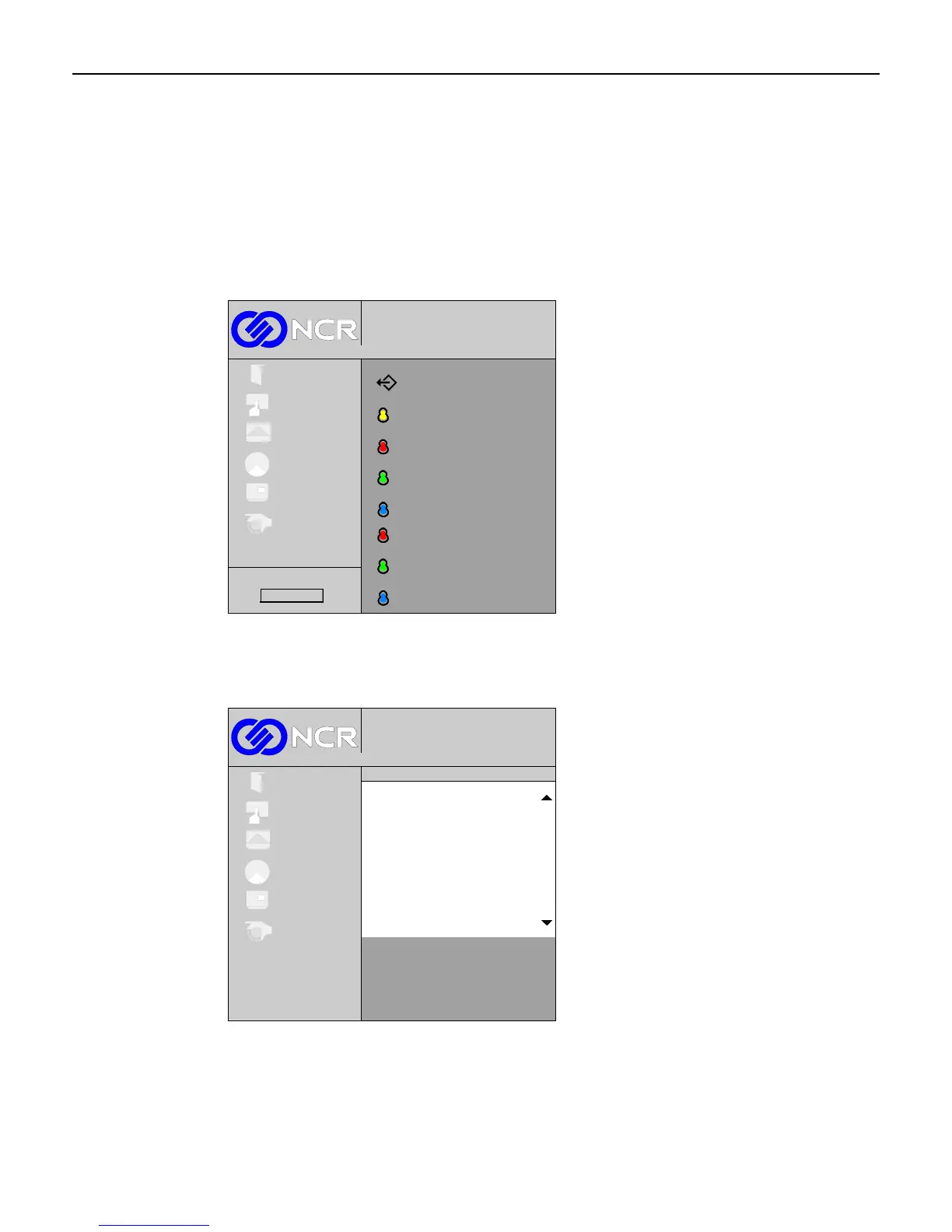
Color Menu
Select Colour from the Main menu.
Color Temperature
This control adjusts the color temperature of the display (the “whiteness” of the screen). Select
Color Temperature from the Colour sub-menu.
Color temperature
Red level
Blue level
Green level
Exit
L
L
L
1024x768@100 Hz
Digital
Exit
Setup
Picture
Colour
OSD
System
Red gain
Blue gain
Green gain
G
G
Firmware Rev.
G
There are preset values to choose from or the individual colors can be adjusted through the
User selection. To choose a value, scroll through the selections using the (+) and (-) buttons
and then press the Select button.
1024x768@100 Hz
Digital
Exit
Setup
Picture
Colour
OSD
System
Color Temperature
5000
9300
User
Exit
6500



 To Next Page