3-16 Chapter 3: Hardware Installation
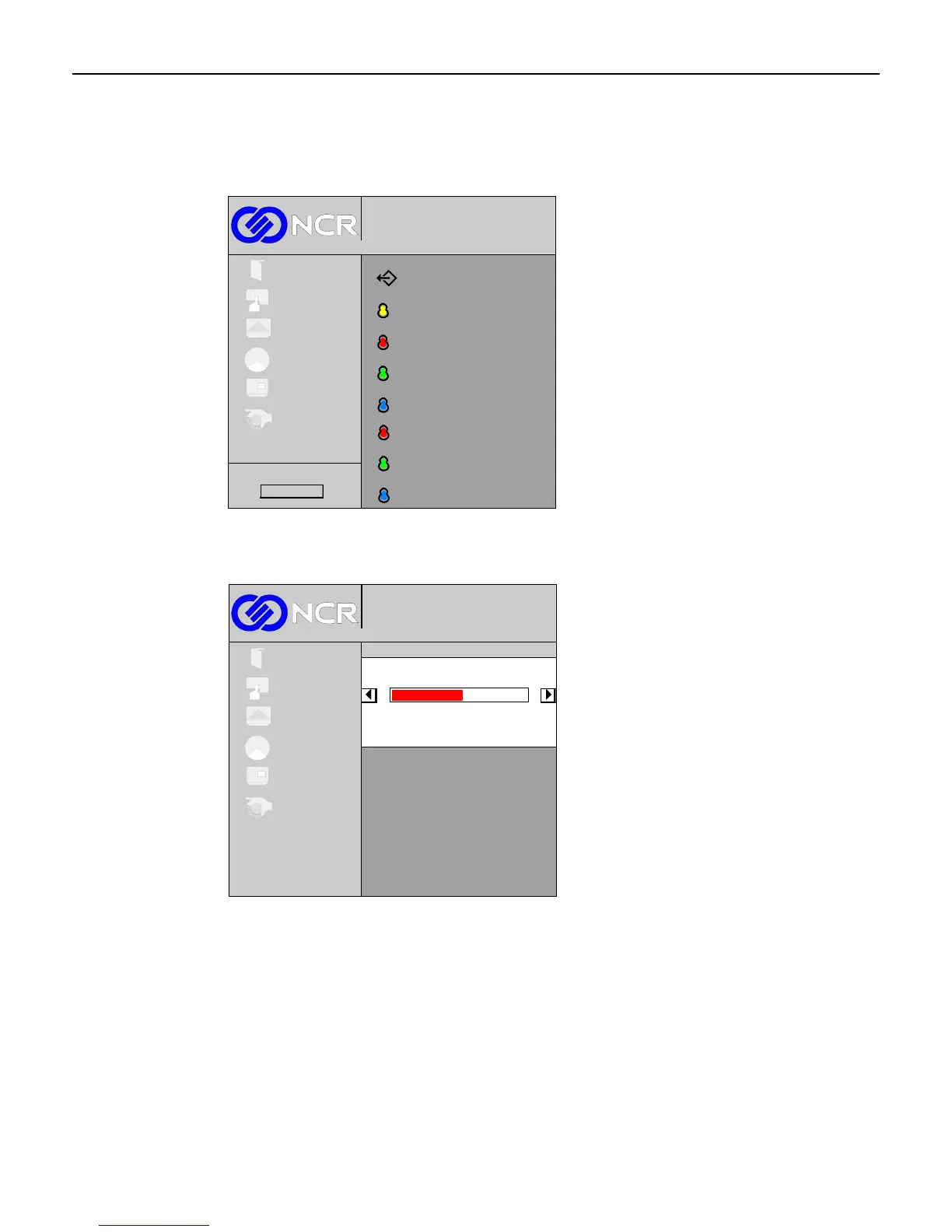
User Red/Green/Blue Control
If the User selection is chosen, the Red, Green, and Blue icons are enabled. This control is
used to adjust the amount of red, green, or blue in a white screen displayed on the unit.
Color temperature
Red level
Blue level
Green level
Exit
L
L
L
1024x768@100 Hz
Digital
Exit
Setup
Picture
Colour
OSD
System
Red level
Blue level
Green level
L
L
Firmware Rev.
L
The minimum value is 0 and the maximum value is 100. The (+) button increases the value
and (-) button decreases the value.
1024x768@100 Hz
Digital
Exit
Setup
Picture
Colour
OSD
System
Red Level
50
To exit this screen and return to the Colour menu, press the Menu button.



 To Next Page