Chapter 3: Hardware Installation 3-17
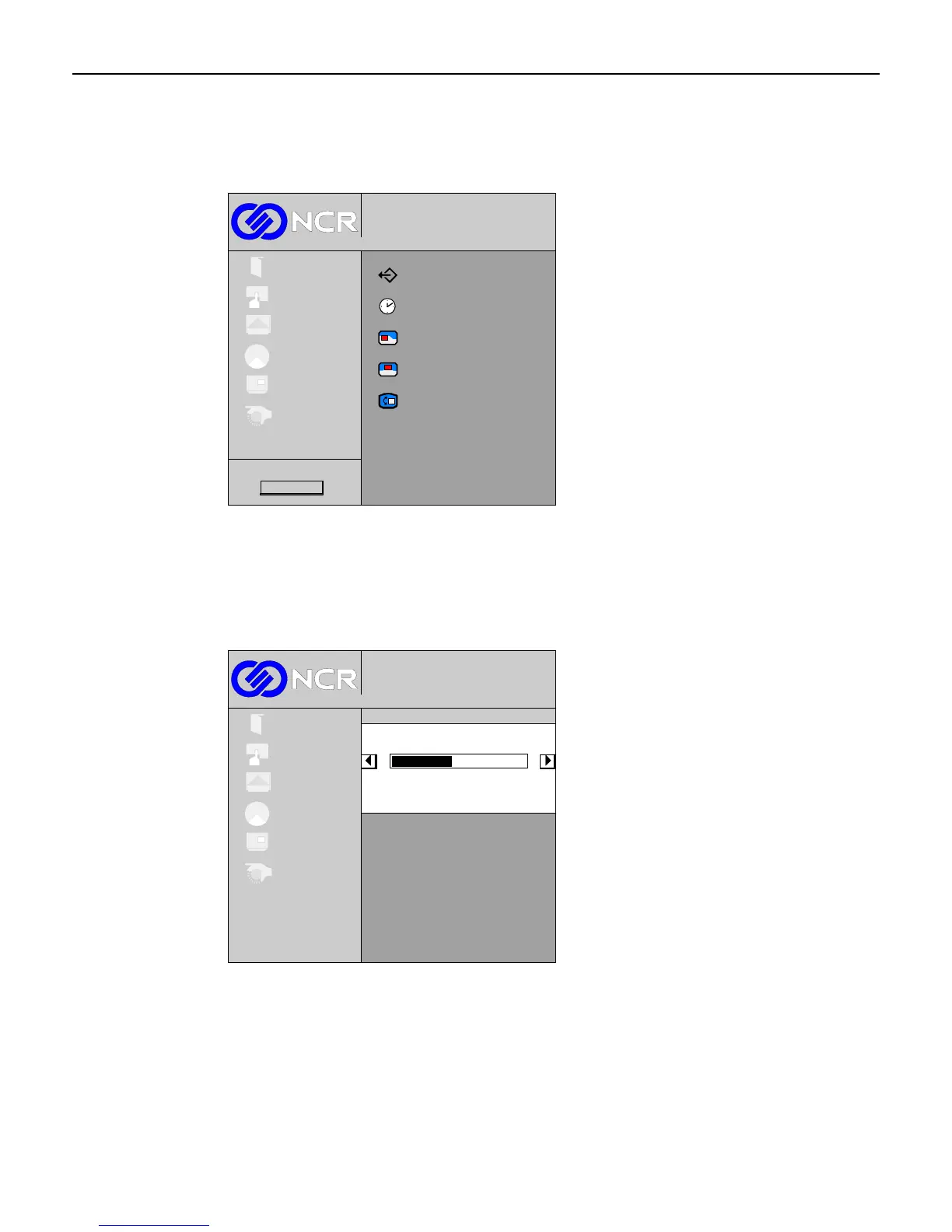
OSD Menu
Select OSD from the Main menu.
Exit
Timeout
Horizontal position
Vertical position
Language
Rotation/Mirror
1024x768@100 Hz
Digital
Exit
Setup
Picture
Colour
System
OSD
Firmware Rev.
OSD Timeout
This control is used to set the amount of time the OSD screen stays displayed before timing
out. Select Timeout from the sub-menu. The (+) button increases the amount of time and the
(-) button decreases the amount of time.
1024x768@100 Hz
Digital
Exit
Setup
Picture
Colour
OSD
System
Timeout
28
To exit this screen and return to the OSD menu, press the Menu button.



 To Next Page