3-6 Chapter 3: Touch Screen Calibration
Calibration Procedures
Note: In order to achieve an accurate calibration the touch display must in the normal
operating position when AC power is applied to the terminal (45 degrees can be assumed if
this not known). If this was NOT done properly then begin with Step 1. Otherwise skip to Step
2.
1. Disconnect the power cord from the power source, if possible. It is best to remove the AC
power from the wall outlet to avoid having to move the head. But if that cannot be done,
tilt the head up and remove the AC cord from the front of the unit. After removing the
power cord, tilt the head back to the normal operating position.
Wait at least 10 seconds. Then, while keeping the head in the normal operating position
and your hands off of the glass and bezel, plug the cord back in. The head can be touched
or moved after AC power has been applied for at least two seconds.
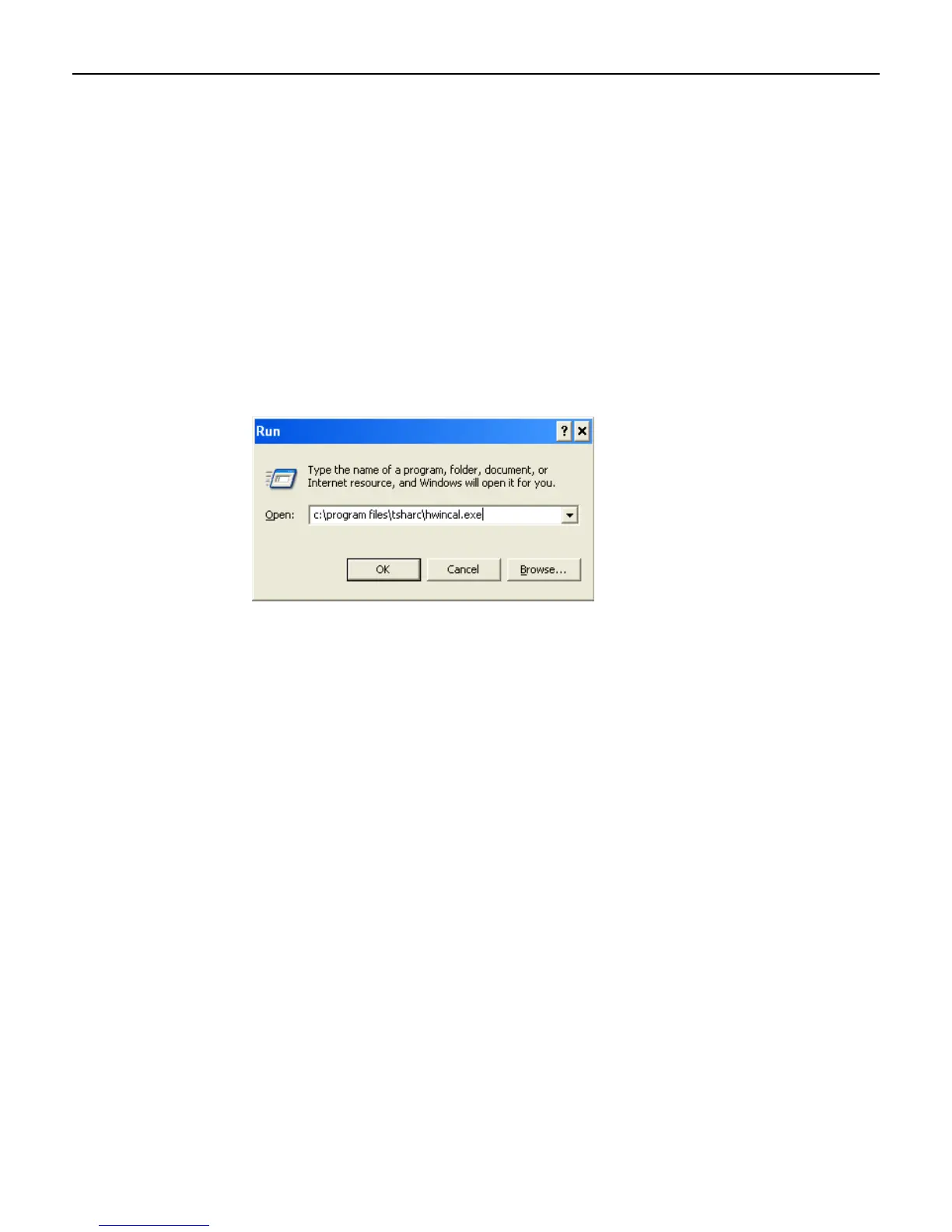
1. Select Start > Programs > Microchip TSHARC Control Panel.



 To Next Page