Chapter 3: Touch Screen Calibration 3-3
Calibrating the Touch Screen
Before performing the calibration procedure please observe the following guidelines for
proper/improper methods of touching the screen.
Face the monitor directly.
Perform the calibration in the position (sitting or standing) that you normally expect to use
the touch screen.
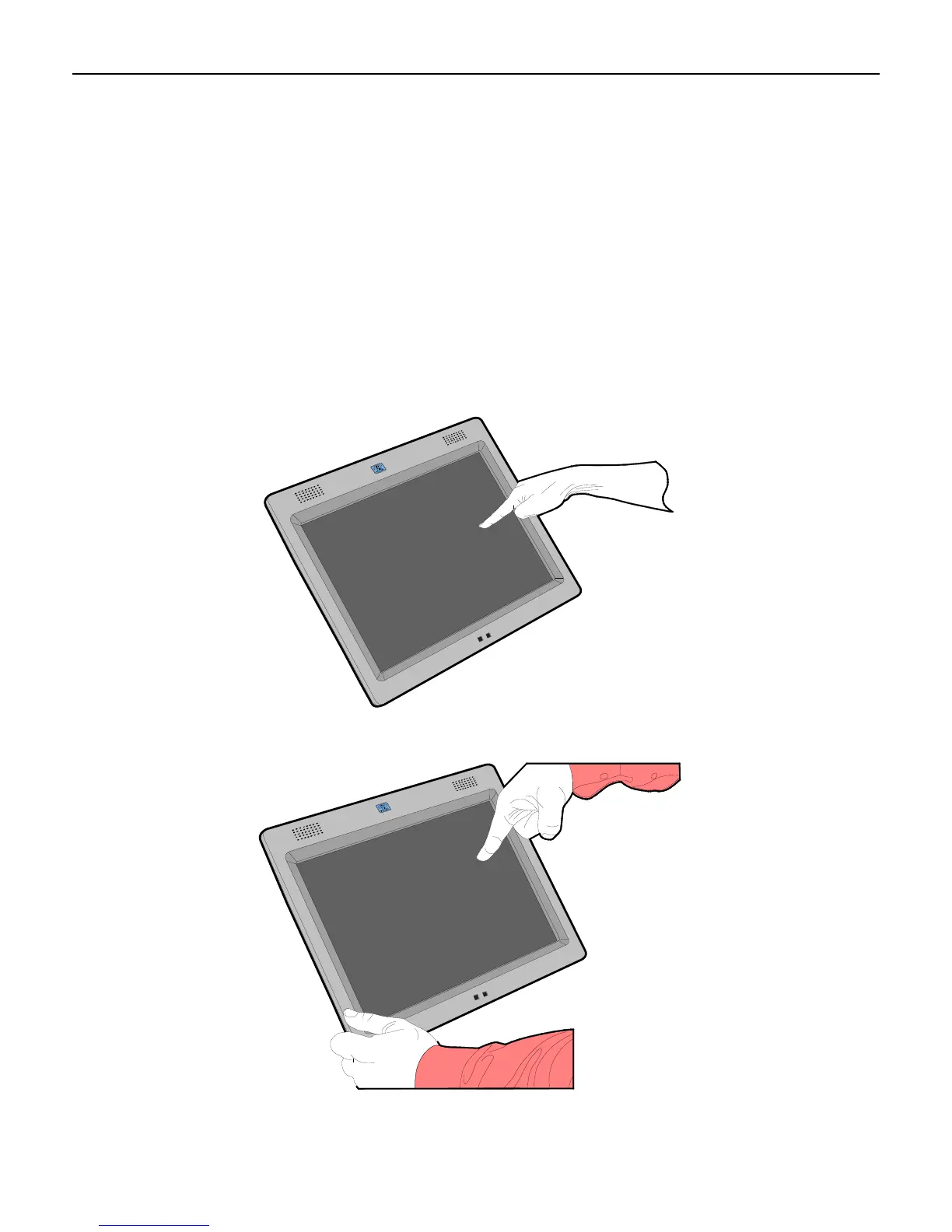
Touch the calibration target firmly and precisely with your fingertip. During calibration, be
careful to keep your fingernails and other fingers away from the touch screen as you touch
each target.
The hand and calibration finger should be perpendicular (straight up) from the touch-
screen during touch down and removal of the calibration finger. Keep the other fingers
closed and away from the touch-screen.
27732
Do NOT touch the display or bezel with your other hand.
27733



 To Next Page