Chapter 3: Touch Screen Calibration 3-7
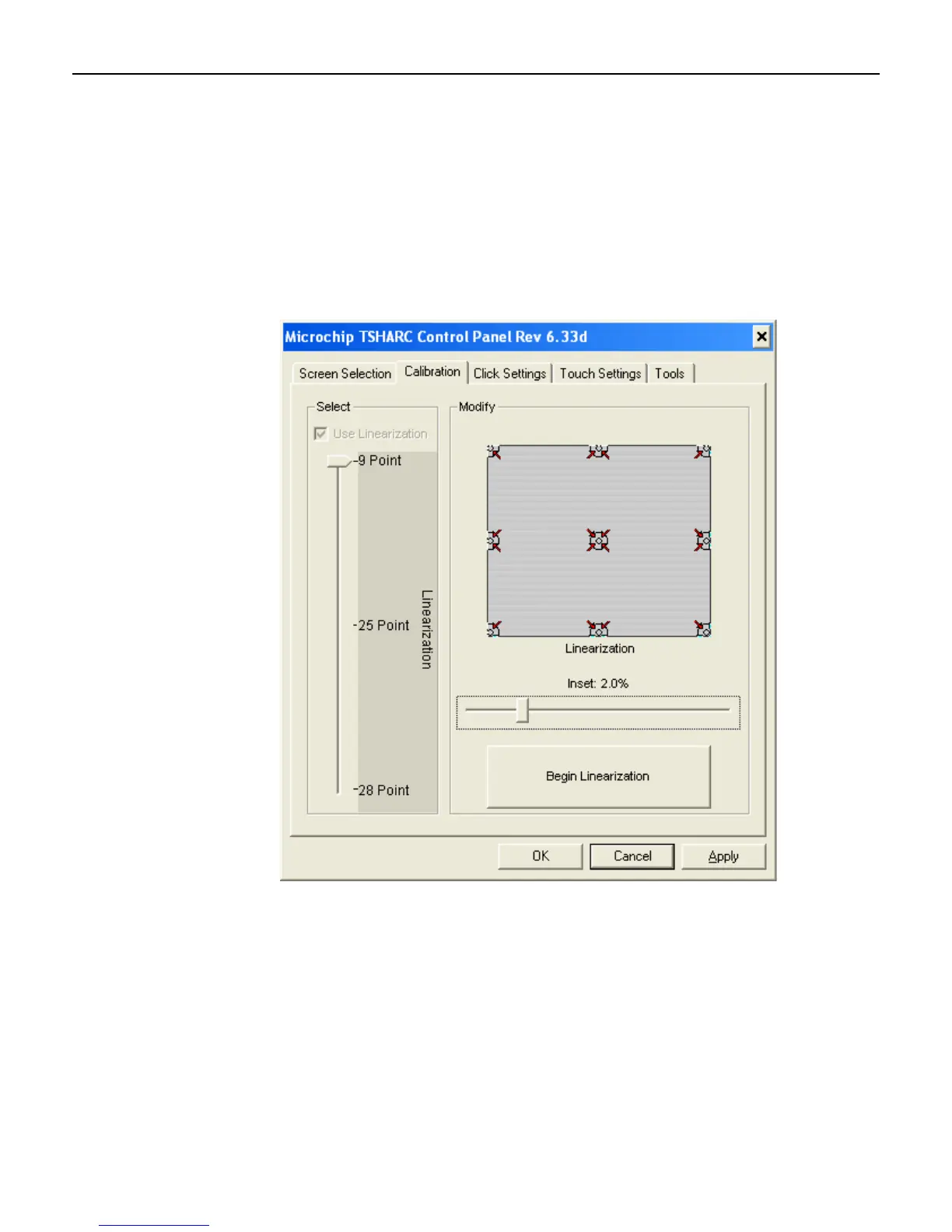
2. Do one of the following:
Using the keyboard TAB until you see a dashed box around the Screen Selection tab.
Right arrow to select the Calibration tab.
Tab until you get a dashed line around the Select section and select 9-Point
w/Linearization using the down arrow key.
Note: Earlier versions of the Control Panel show 4-Point and 5-Point calibration
options. Use the 9-Point w/Linearization option.
TAB to the Begin Linearization button and press [Enter].



 To Next Page