3-8 Chapter 3: Touch Screen Calibration
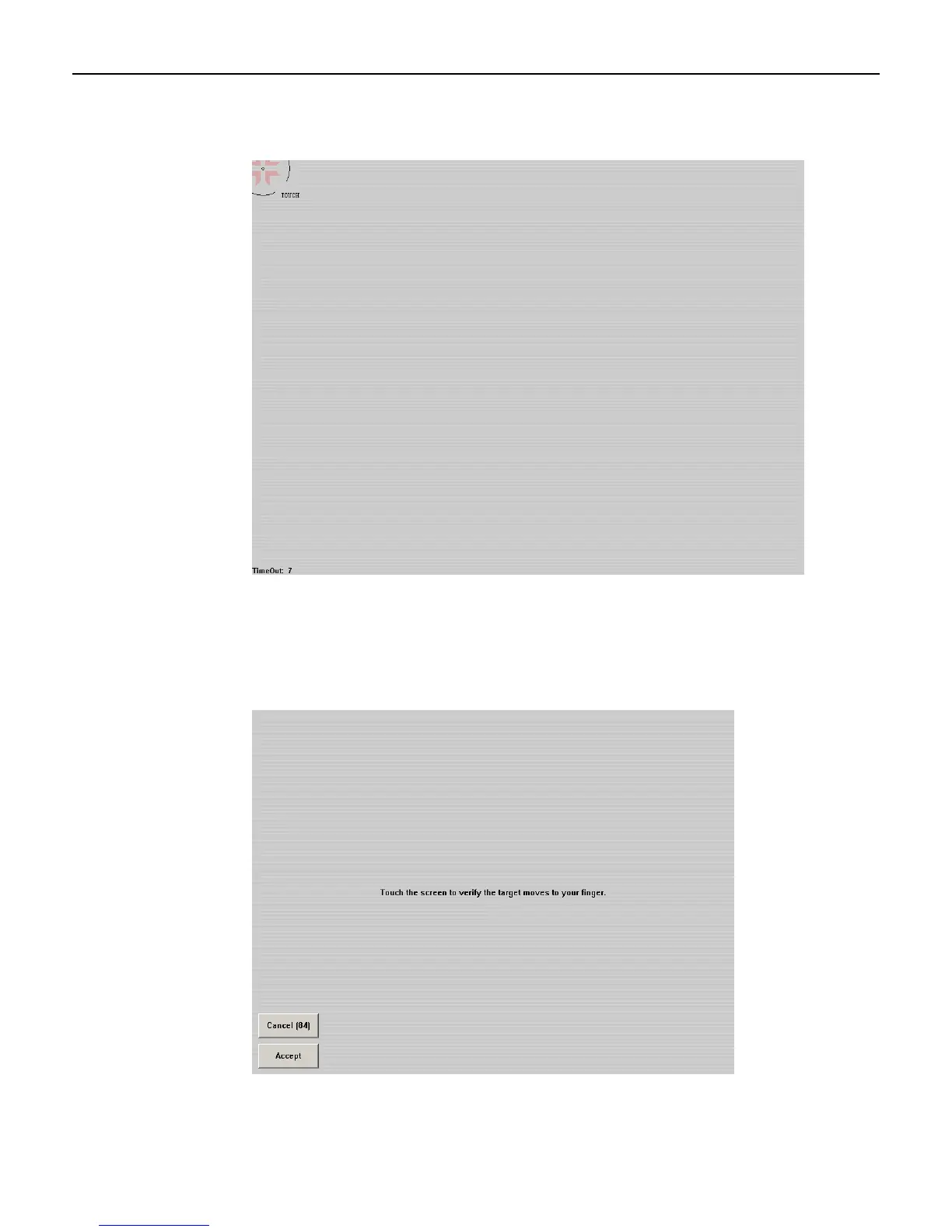
3. Touch the center of the target. Pull your finger a few inches away from the screen when
you see the Release message.
4. Repeat the process for each target location as they appear.
5. After all targets have been touched a test screen displays. Touch the screen in various
locations to verify the calibration results. Select Accept if you are satisfied with the
results. If not, select Cancel and repeat the process.
Note: Do not touch ESC to exit from this screen.



 To Next Page