Chapter 7: Touch Screen Operation 7-3
Turning Off the Mouse Pointer
Certain applications prefer NOT to display a pointer during operations. Use the following
procedure to turn the pointer off.
1. Download the file containing the mouse pointers from the NCR website.
2. http://www.ncr.com
1. At this site, select the Support tab.
2. Select Drivers and Patches → Retail Support Files → NCR RealPOS and
SelfServ Terminal and Operating Systems → NCR RealPOS 70XRT (7403)
→ Windows → Windows XP Pro, Windows EP Embedded, and WEPOS
3. Download pointers.zip.
3. Copy the ZIP file to the system.
4. Open the ZIP file and extract the empty.cur file to the folder that Windows uses to store all
its cursor files:
C:\Windows\cursors
.
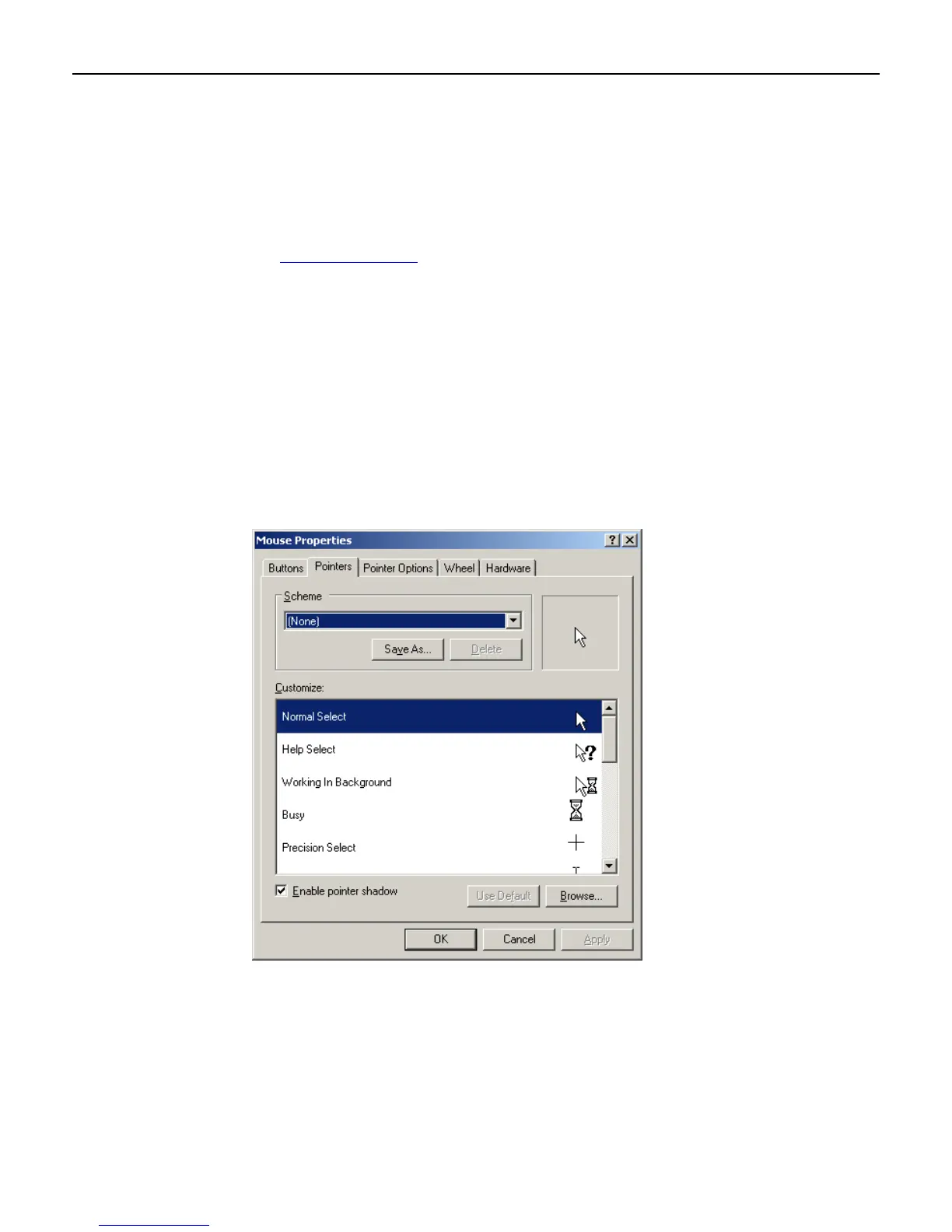
5. Select Start → Control Panel → Hardware and Sound → Mouse → Pointers tab.
6. Select Normal Select from the Customize list.
7. Select Browse.



 To Next Page