6.20
Today on 3
6.19
Today on 3
● Press
● At press
● Scroll to and press
● Scroll to My Nearest and press
● Scroll to Florists and press
You have two options to select a location:
Option 1
● At My locations press
● Scroll to your preferred location and press
Option 2
● Scroll to the query box and press
● Enter your preferred postcode or address. Ensure
that each line of the address is comma separated,
eg Baker Street, London, and press
● Scroll to Find and press
A map showing the area you have selected
will be displayed and your zoom out icon will
be highlighted.
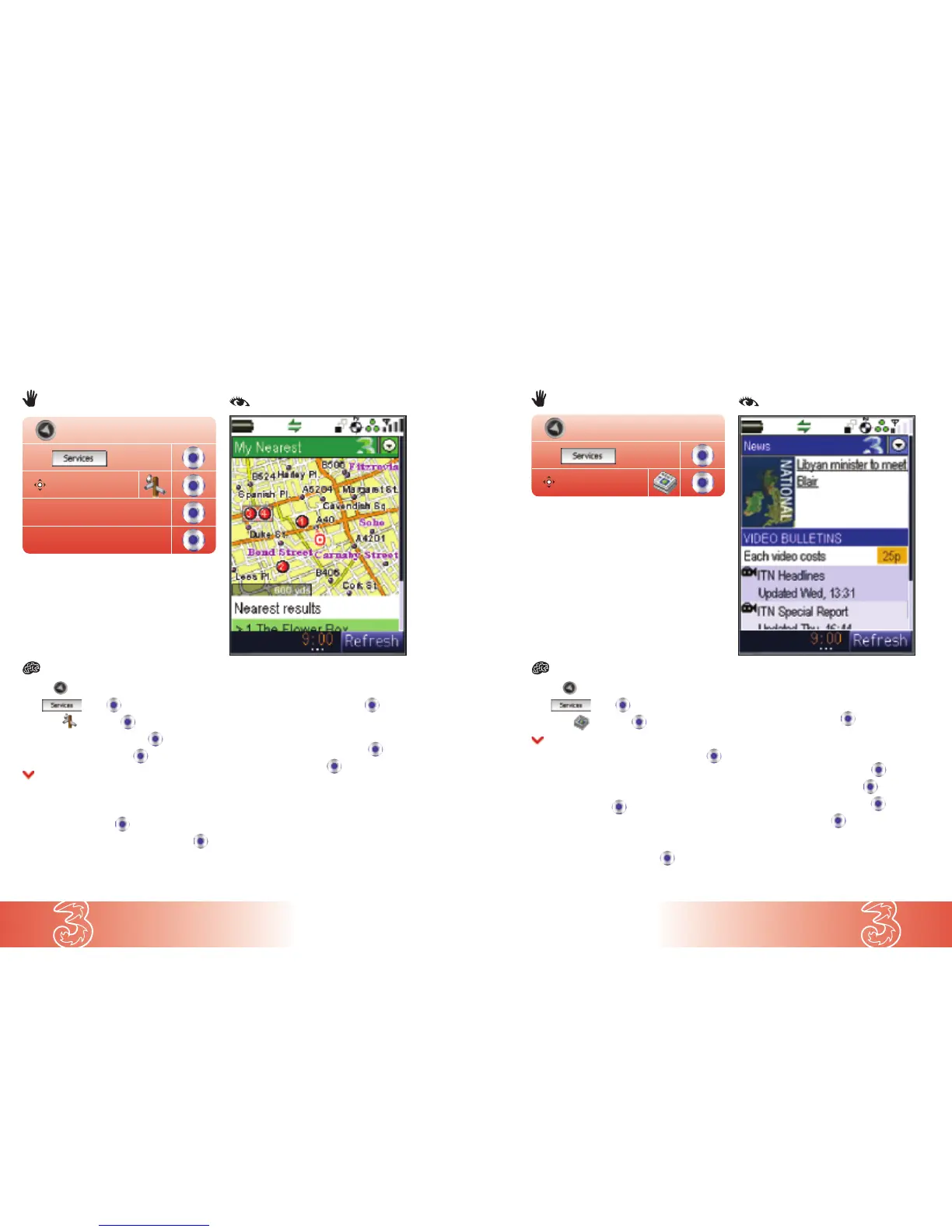
Find a bank, restaurant, florist, or whatever you need, wherever you are. This example
shows how to find your nearest florist.
Using My Nearest
© Crown Copyright 2003
Find
My Nearest
Florists
● Press
● At press
● Scroll to and press
● Scroll to your preferred news clip and press
To view the news clip without downloading:
● At Quickplay press
To save the news clip and watch:
● Scroll to Save & Play and press
● Press Yes to watch the downloaded news clip
To view more news:
● Scroll to World / National / Regional /
Oddly Enough and press
To set up a Lotto alert:
● Scroll to Lotto results and press
● Scroll to Lotto alert and press
● Scroll to Set this alert and press
● Scroll to OK and press
Viewing the latest news
Keep up to date with news as it breaks.
News


 To Next Page