7.8
Messaging
7.7
Messaging
7.8
Messaging
● Press
● Scroll to and press
From the browser you can:
● Create and send email messages
● View email, voicemail and faxmail in your inbox
● View sent, draft and trash folders
● Create and manage personal folders
● View, add and manage Contacts
● Print mail to any fax machine
Browsing into Mail
From the 3 browser, you can also view emails and headers of voicemails and faxmails.
You can also create new emails to send.
Mail
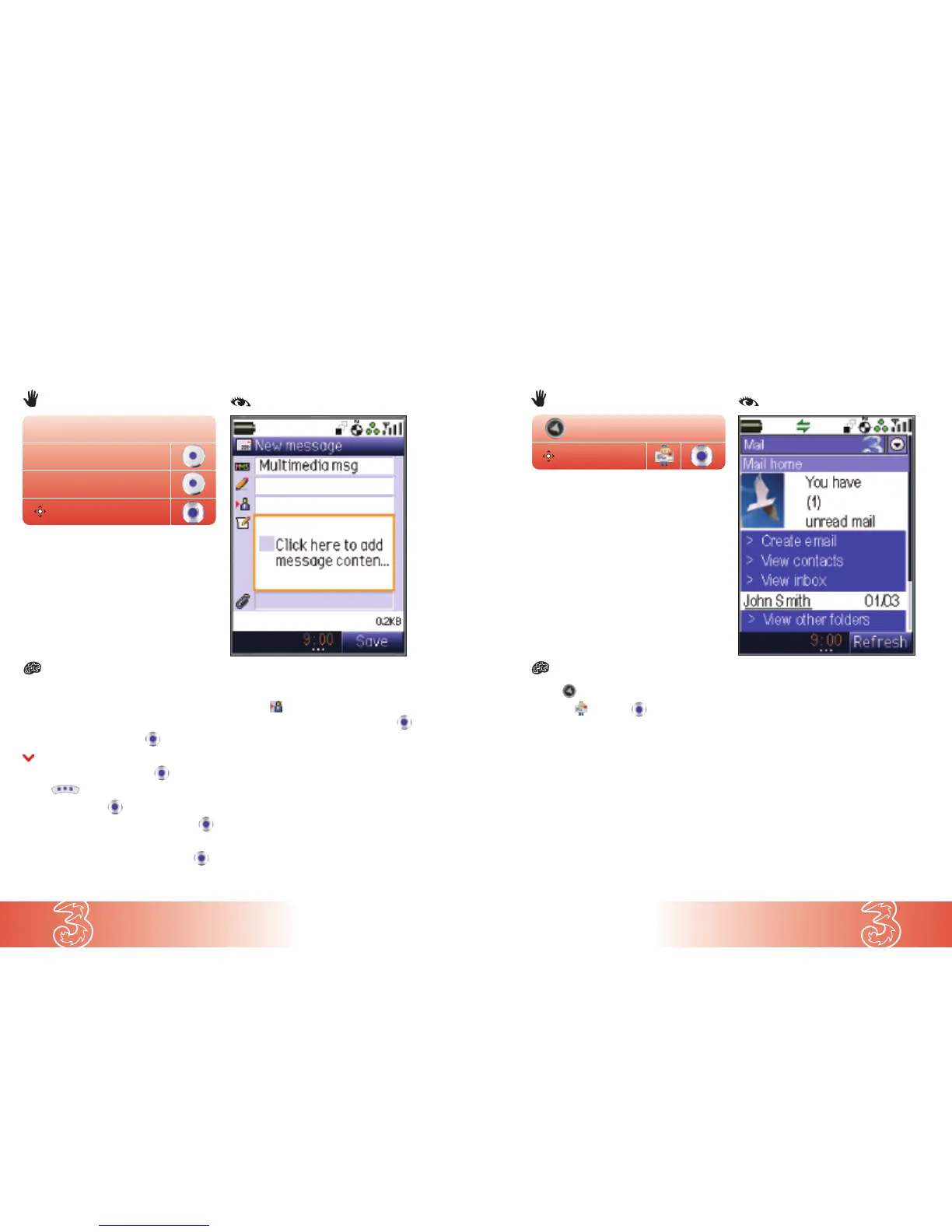
You can send text, photos and audio clips as a multimedia message.
From the start screen
● Press Msg
● Press New
● Scroll to Multimedia msg press
● Enter text of message and press
● Press to insert images, audio or video
● At Insert item press
● Scroll to Image / Music / Sound / Video press
● Open the media folder
● Scroll to your preferred media file and press
● Press OK
● Scroll to and press Find
● Scroll to your preferred contact and press
● Press Use
● Press OK
● Press Send
Note: To add more than one contact for the
multimedia message, repeat
Find and Use again.
Creating and sending a multimedia message
From the start screen
New
Msg
Multimedia msg


 To Next Page