7.2
Messaging
7.1
Messaging
From the start screen
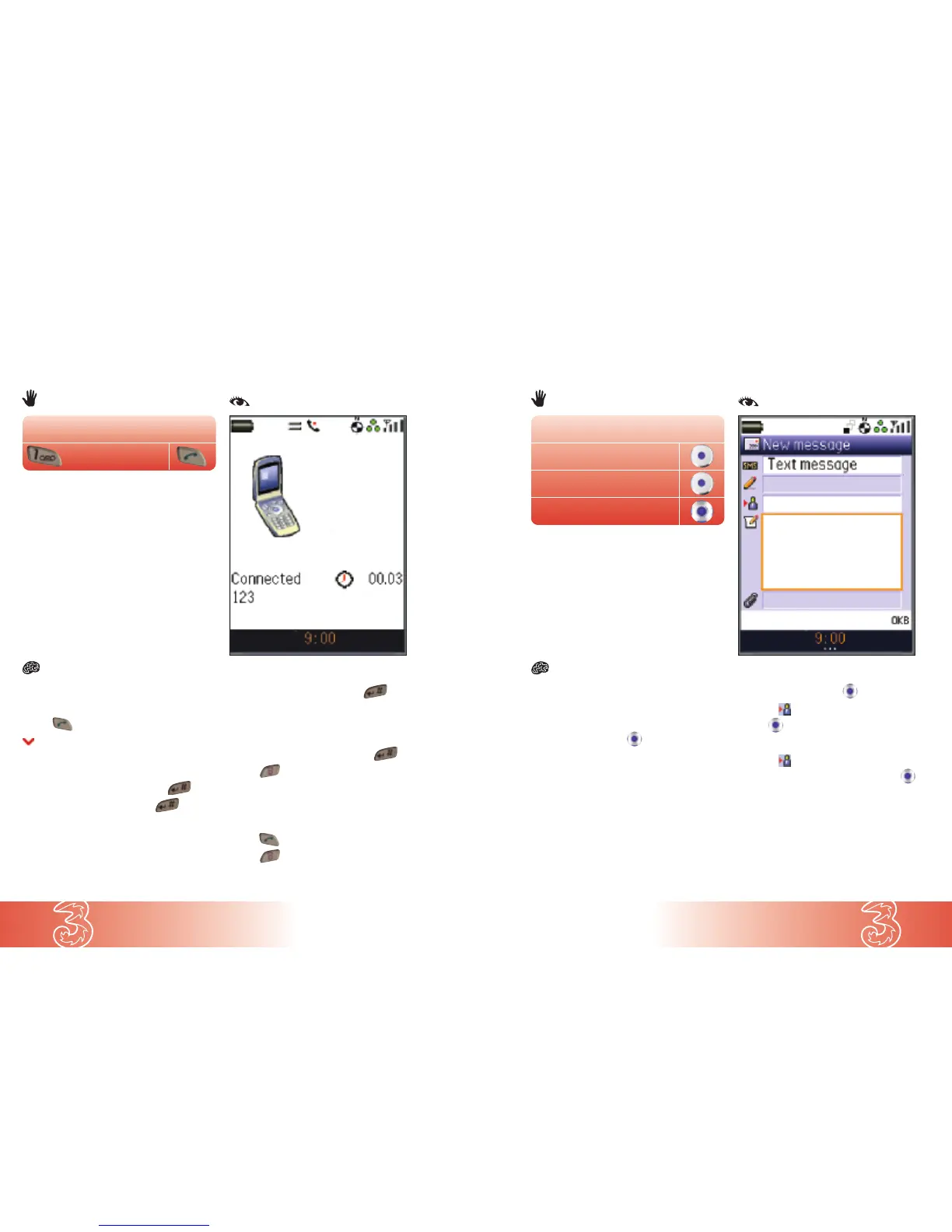
● Enter 123
● Press to make the call
Once connected to 3, follow the voice
prompt and:
● Choose a new 4-digit PIN and press
● Confirm your new PIN and press
You will then be asked to record your name.
Your recorded name will be used to identify
messages you send to other
3 subscribers.
● Say your name clearly and press
You will then be asked to record a personal
greeting that callers will hear when they
reach your mailbox.
● Say your greeting clearly and press
● Press to finish the call
To listen to your voicemail:
● Enter 123
● Press to make the call
● Press to finish the call
Setting up your Voicemail
Choose your PIN and record greetings by calling in from your handset. You can access your
mail from any phone by calling 07782 333123 or +447782 333123 when calling from
abroad, and entering your
3 phone number eg (07782 XXXXXX) and your new 4-digit PIN.
From the start screen
(123)
From the start screen
● Press Msg
● Press New
● At Text message press
● Enter message and press
● Scroll to and enter the contact details
● Press
or
● Scroll to and press Find
● Scroll to the preferred contact and press
● Press Use
● Press Send
Note: To add more than one contact for the
text message, repeat
Find and Use again.
Creating and sending a text message
From the start screen
New
Msg
Text message



 To Next Page