5-27
6. Auto Adjustment (Size / Position / Distortion)
6-1. Outline explanation
1) Adjustment for Size, Position and Distortion for all preset signals can be done by selecting only one
specified signal.
Accordingly, following adjustments can be done automatically by using this jig.
· Horizontal / Vertical Size Adjustment (include Max Size Adjustment)
· Horizontal / Vertical Position Adjustment
· Distortion Adjustment
2) The Menu of this adjustment is representative and they differ with every model.
However operation method is similar.
3) If Horizontal / Vertical Max Size Adjustment are not need, it requires no adjustment.
If the model requires Horizontal / Vertical Max Size Adjustment, follow the instructions that are displayed.
6-2. Equipment for Adjustment
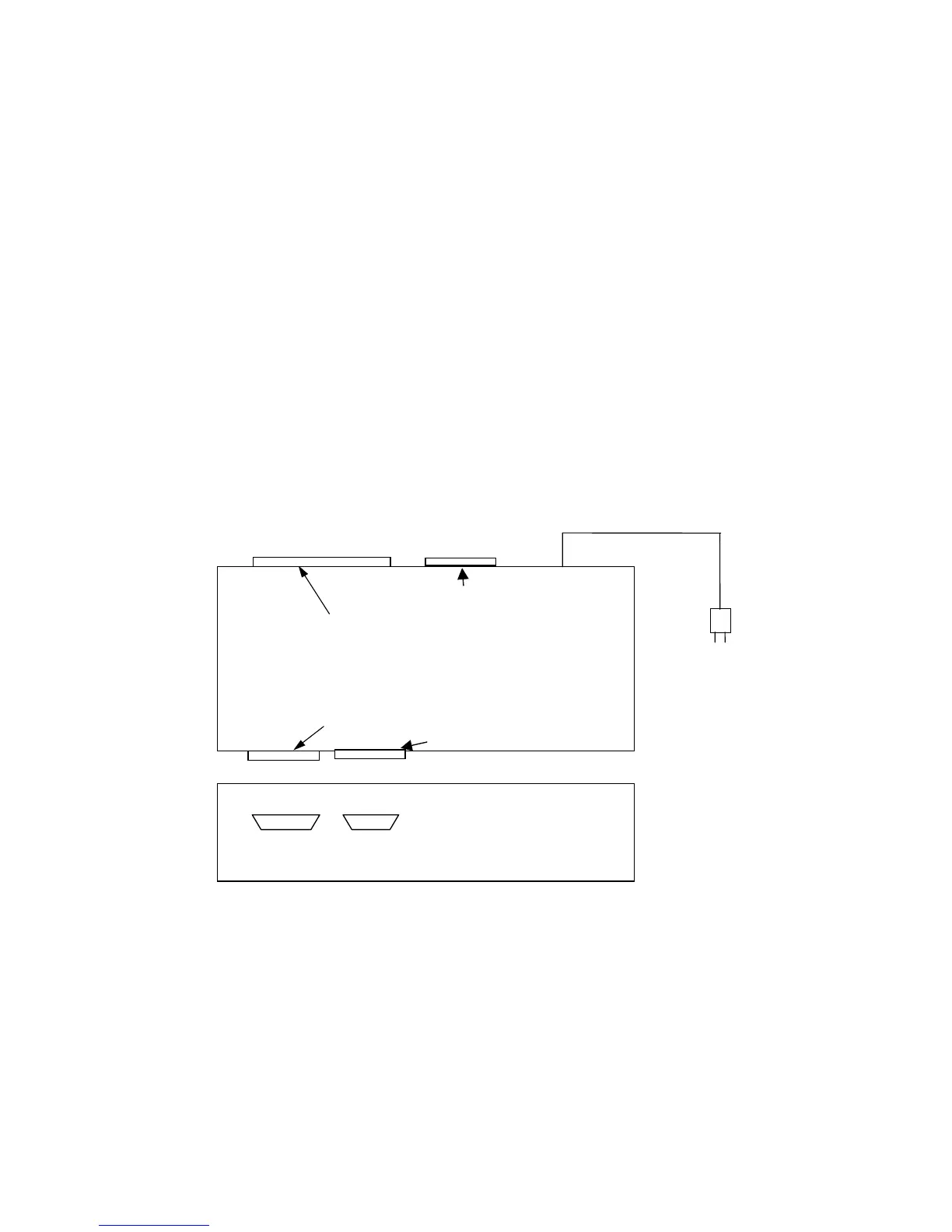
1) Auto ADJ I/F jig
2) The software for auto ADJ I/F jig
3) Printer cable (Should be prepared at your side.)
4) PC(IBM PC or compatible) (Should be prepared at your side.)
SIGNAL OUT







 To Next Page