2-16 Using the Hardware
■ 16-MB memory card
■ 32-MB memory card
Use the following steps to install a memory card.
1. Follow steps 1 through 4 in the preceding section, “Hard
Disks,” to remove the hard disk drive.
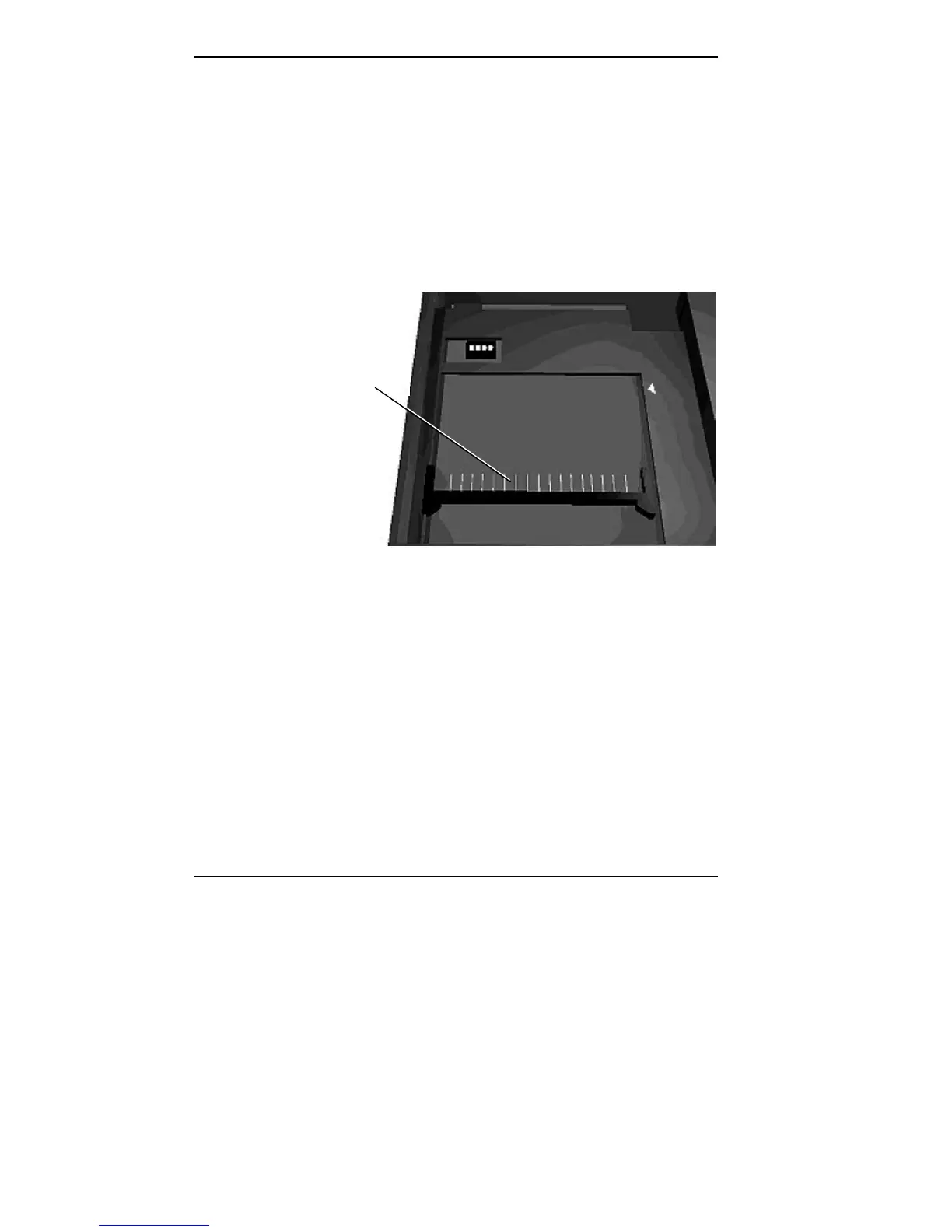
2. Locate the memory connector in the drive bay.
Locating the connector
3. Lower the module into the drive bay and align the mod-
ule and system connectors.
4. Slide the module towards the front of the system to in-
stall it.
5. Press the card gently to make sure it is securely seated.
Check that the edge of the card opposite the connector is
aligned with the alignment arrow.
Memory Module
Connector



 To Next Page