Using the Hardware 2-15
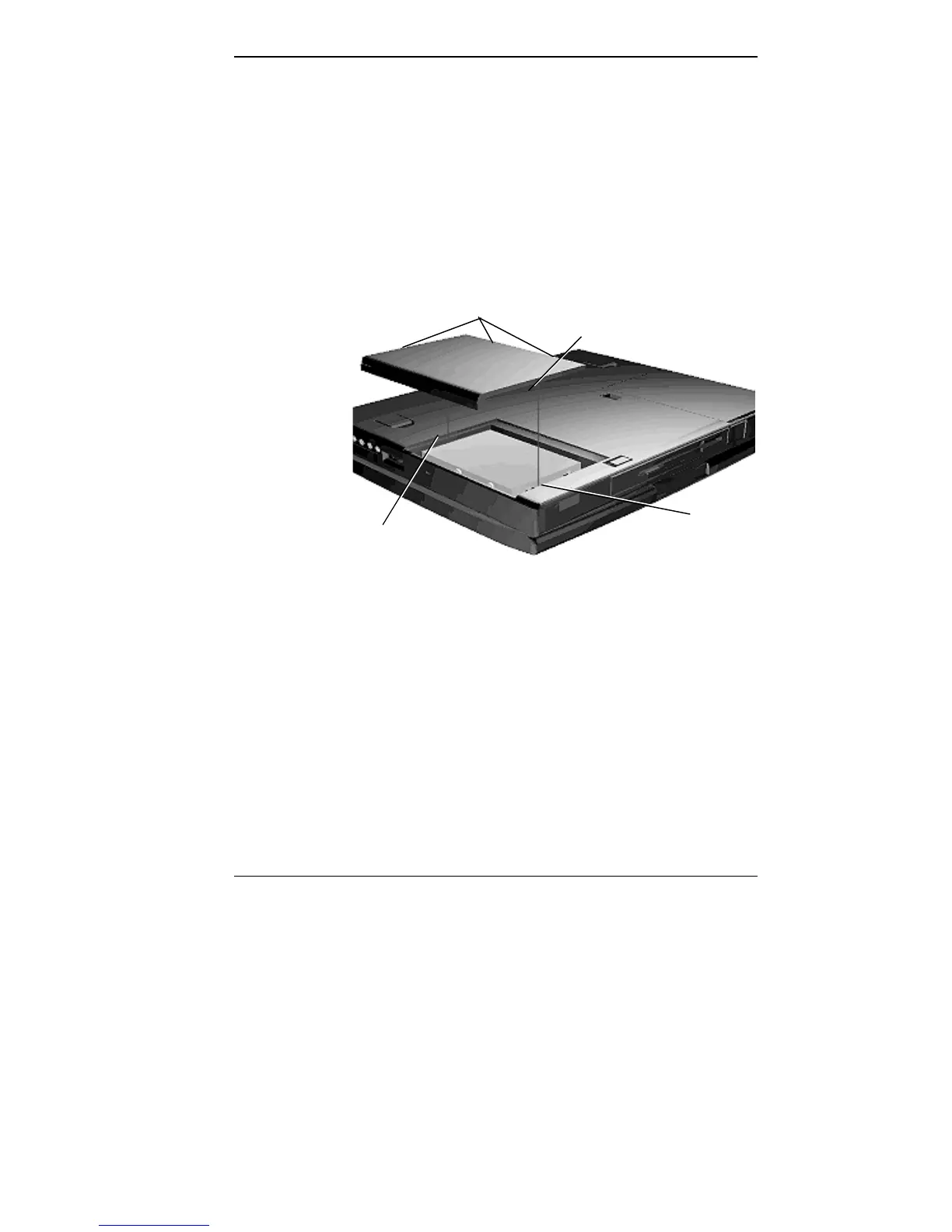
7. Replace the cover as follows:
■ Align the tabs on the drive cover with the notches on
the system chassis.
■ Lower the cover onto the chassis.
■ Slide the cover towards the center of the unit, making
sure the second set of tabs at the back of the cover
slide under the frame.
■ Gently push the cover until it snaps into place.
Replacing the drive bay cover
8. Turn the system over, power on, and run Setup to check
the new configuration.
Memory Expansion
Your NEC Versa 4000 comes standard with 8 megabytes
(MB) of random access memory (RAM). You can increase
system memory to a maximum of 40 MB by installing one
of the following memory modules in the system.
■ 4-MB memory card
■ 8-MB memory card
Tab
Notch
Tabs (not shown)
Notch



 To Next Page