9.2 Activation of AUTOALIGN single
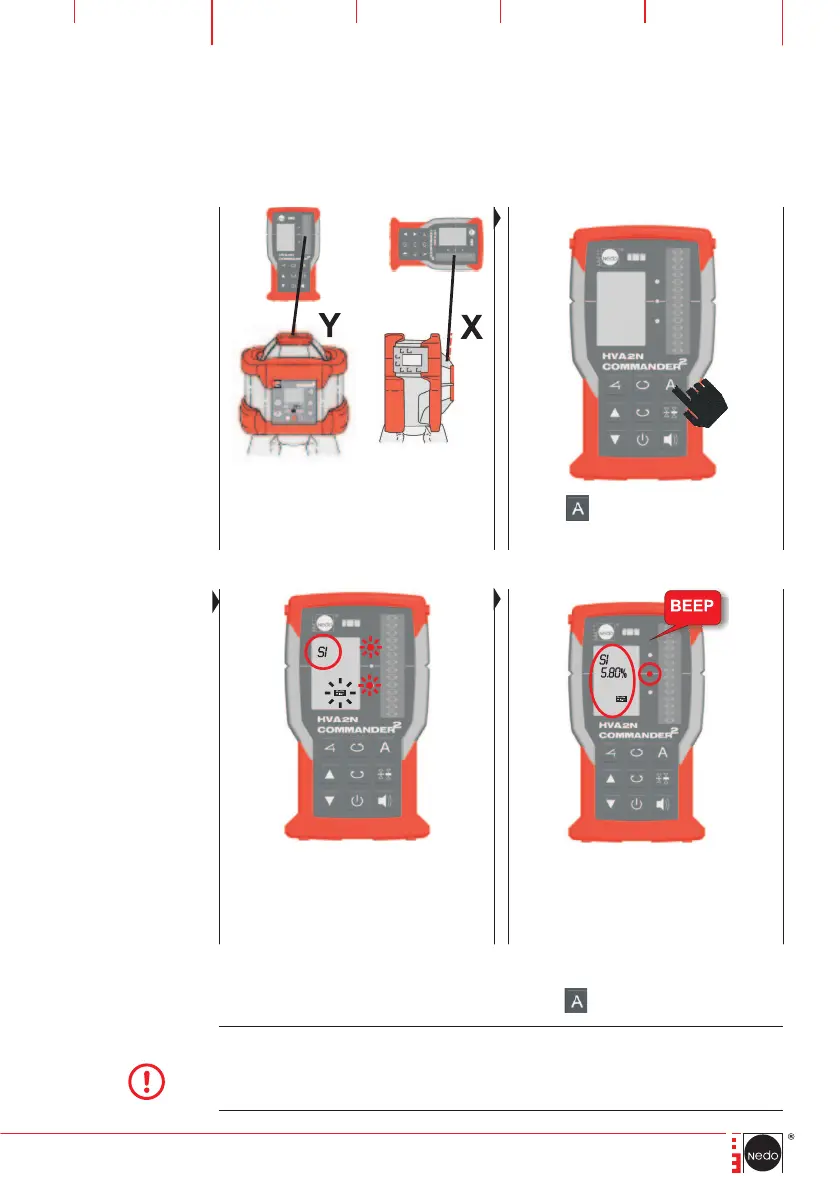
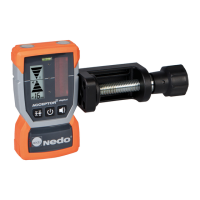
Place COMMANDER 2 HVA2N towards
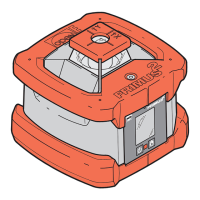
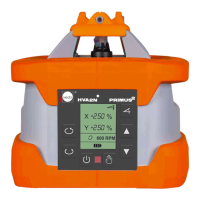
PRIMUS 2 HVA2N: horizontal: Y-axis
vertical: X-axis
Press the
button on
COMMANDER 2 HVA2N shortly
LEDs and the AUTOALIGN symbol start to flash
while COMMANDER 2 HVA2N searches the
laser beam. The LCD shows an >> SI <<.
When the laser beam hits the zero line of
COMMANDER 2 HVA2N the search process is
finished. Flashing of LEDs and AUTOALIGN sym-
bol stops and a beep is generated and shows
the determined slope in% values
When AUTOALIGN single is active, following, functions can be used:
Terminating AUTOALIGN single by pressing the
button twice.
NOTE
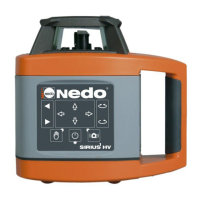
After the laser beam has hit the zero line of COMMANDER 2 HVA2N, it can be remo-
ved and used at any location to detect the laser beam. The displayed slope value of the
Y-axis is automatically stored in the memory of the slope function (Chapter 9.3) where
it can be re-called.


 To Next Page