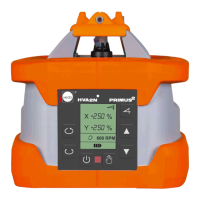
12 Remote control COMMANDER 2 HVA2N
Controls on
COMMANDER 2 HVA2N have
the same function as on
PRIMUS 2 HVA2N - they are de-
scribed in detail in chapters
7 and 8.
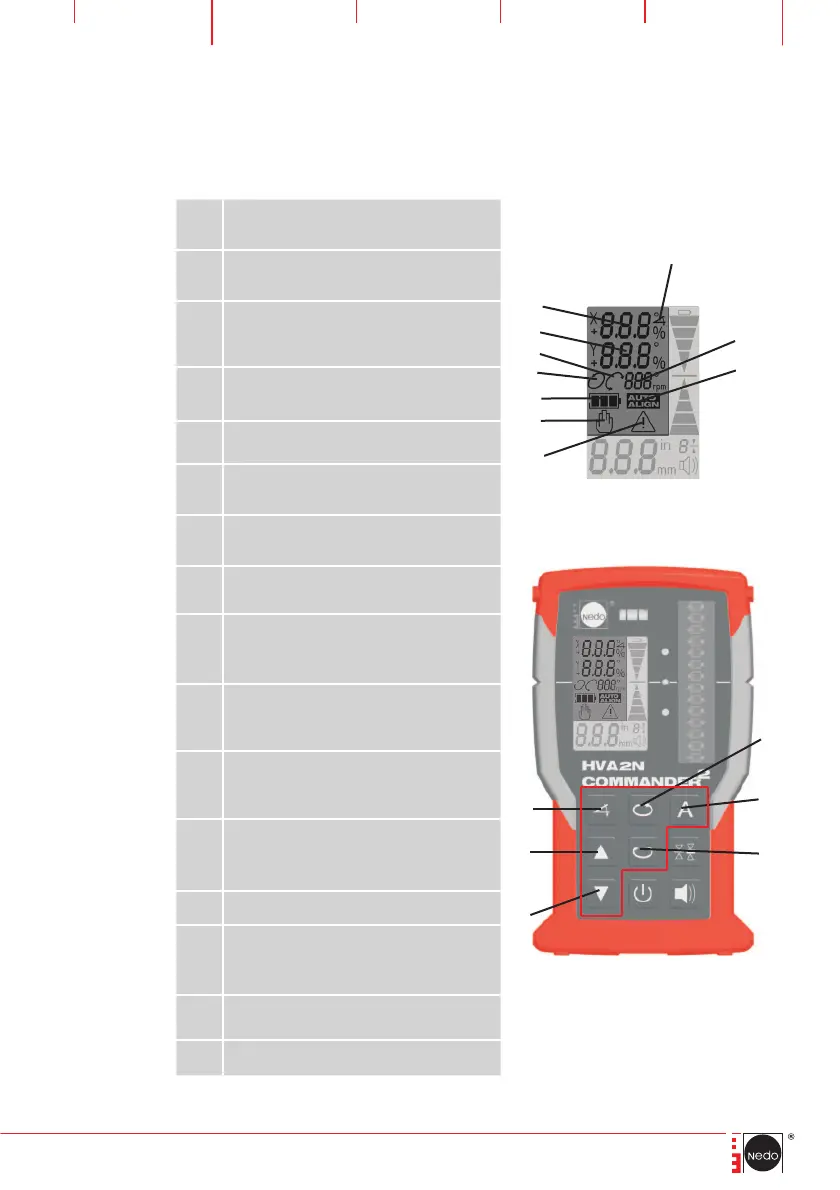
12.1 Displays and controls of the remote control
1
Reduce X/Y tilt value
move down/turn to the left
2
Increase X/Y tilt value
move up/turn to the right
3
Activate, TILT/TURN axes /
Confirm percentage value input
4 Warning symbol (flashes)
5 MANUAL operating mode
6
Rechargeable battery/battery state
of the laser
7
ROTATION mode (flashes during
automatic levelling)
8 SCANNING mode
9
TILT Y-axis display as percentage
values
10
TILT X-axis display as percentage
values
11
TILT function (symbol flashes during
input)
12
Speed of the laser (levels: 10, 60,
300, 600 rpm) / Display of angles in
mode SCANNING
13 AUTOALIGN mode
14
Activate VARIABLE SPEED/
ROTATION function
15 Activate AUTOALIGN
16 Activate SCANNING function
2
1
14
16
15
3
5
4
6
7
8
12
13
9
10
11


 To Next Page