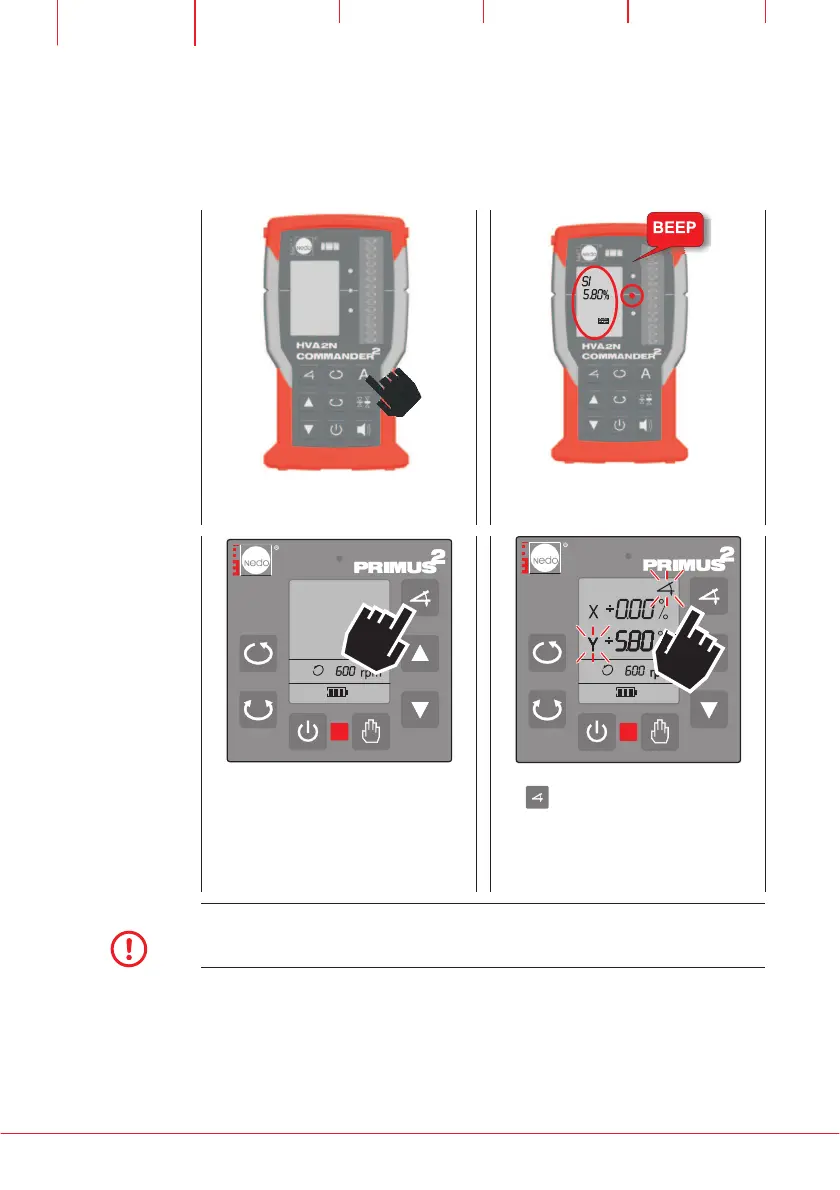
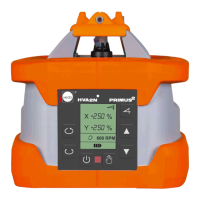
Setup PRIMUS 2 horizontally and start
AUTOALIGN single as described previously.
After AUTOALIGN single has finished, grading
of the Y-axis is shown in the LCD (e.g.: 5,80%)
Grading function can be activated in the known
way. The previously measured grading of the
Y axis using AUTOALIGN single has be stored
automatically and can be recalled
HVA2N
Press twice to see the previously measured
and stored grading of the Y axis
(e.g.: 5,80%)
NOTE
Grading of Y axis is stored in a range of -10% to +10% only.
Automatically saved grading of Y axis will be lost if the Y axis grading is changed
manually!


 To Next Page