9.4 Activation of AUTOALIGN permanent
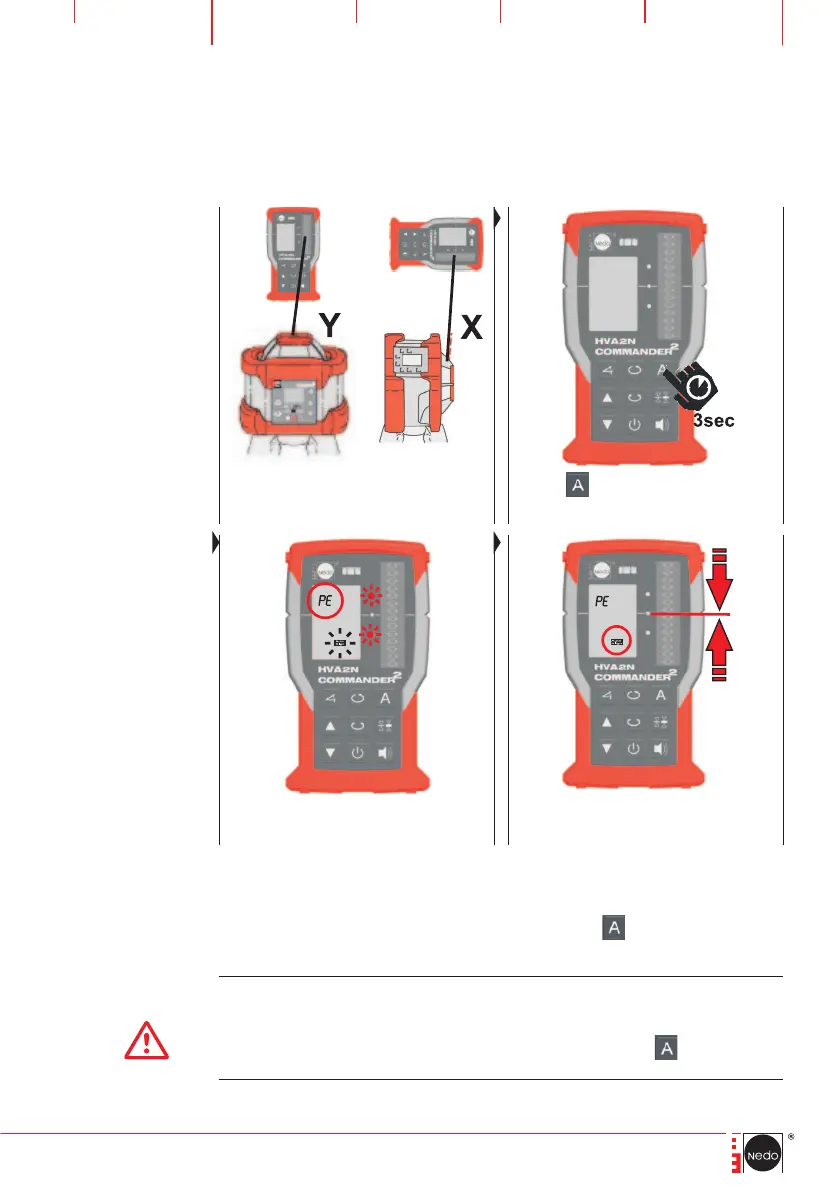
Place COMMANDER 2 HVA2N towards
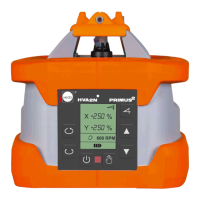
PRIMUS 2 HVA2N: horizontal: Y-axis
vertical: X-axis
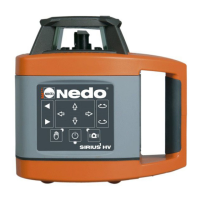
Press the
button on
COMMANDER 2 HVA2N
for at least 3 sec.
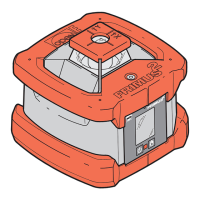
LEDs and the AUTOALIGN symbol start to flash
while COMMANDER 2 HVA2N searches the
laser beam. The LCD shows an >> PE <<.
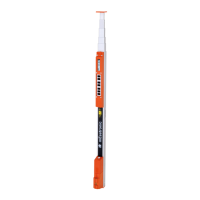
COMMANDER 2 HVA2N continuously monitors
the laser plane and keeps the laser beam alig-
ned to the zero line.
When AUTOALIGN permanent is active, following, functions can be used:
Terminating AUTOALIGN permanent by pressing the
button twice.
CAUTION!
If COMMANDER 2 HVA2N is switched off while AUTOALIGN permanent is active,
PRIMUS 2 HVA2N stopps the rotation of the laser head. The LCD shows a C04 war-
ning and a red LED starts to flash. To reset the warning switch PRIMUS 2 HVA2N off
and on again or terminate AUTOALIGN permanent by pressing the
button on the
COMMANDER 2 HVA2N keypad twice.


 To Next Page