6
Chapter 2 . Basics
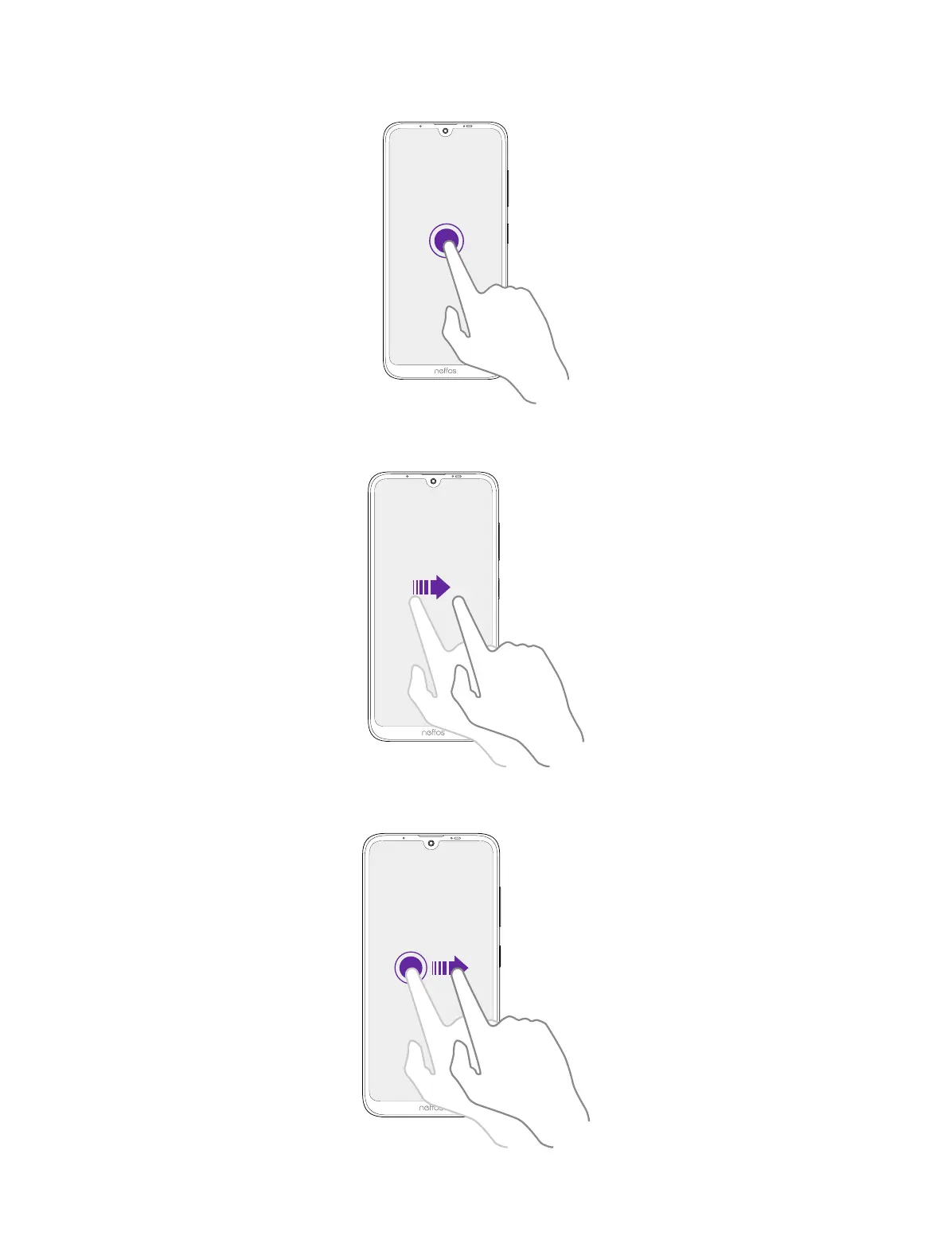
Touch and hold: Touch and leave your finger on the screen for 2 seconds or more to activate
onscreen items. For example, touch and hold a widget on the Home screen to move it.
Swipe: Place your finger on the screen, and drag your finger to the direction you want. For example,
you can swipe to scroll through the Home screen or a list.
Drag: Touch and hold an item and then move it to another position. For example, you can rearrange
applications and widgets on the Home screen.



 To Next Page