5
Chapter 2 . Basics
Basics
Learn about your smart phone’s basic feature.
• Touchscreen gestures
• Home screen
• Access applications
• Status bar
• Notification Panel
• Quick Settings Panel
• Type text
• Screenshot and Screencast
• Configure your fingerprint
• Configure your face data
• Split-screen mode
2. 1 Touchscreen gestures
Use simple touchscreen gestures to perform a variety of tasks, such as opening applications,
scrolling through lists, and zooming images.
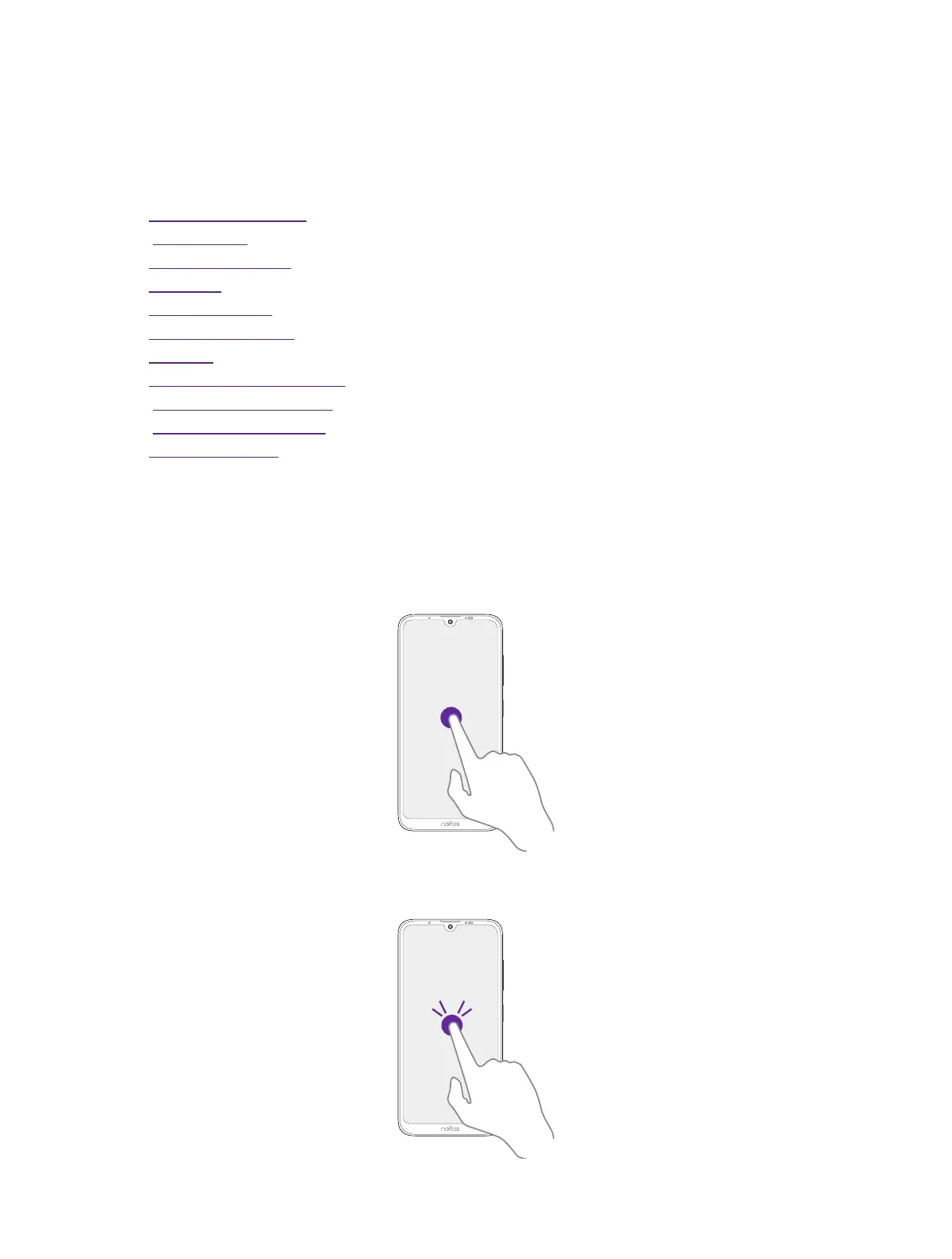
Tap: Simply tap an item once. For example, tap to select an option or open an application.
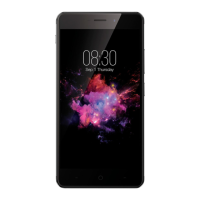
Double-tap: Tap the target area of the screen twice in quick succession. For example, double-tap
an image in full screen mode to zoom in or zoom out.
2



 To Next Page