26Chapter 4 . Calls
• Tap the green status bar at the top of the screen.
• Slide down from the status bar to open the Notification Panel and tap the call item.
To end the call, return to the in-call menu and tap . You also can tap on the Notification Panel
to end the call.
Adjust the call volume
Press the Volume buttons to increase or decrease the volume.
Answer a third-party call
If you receive a call when already in another call, tap to answer the call. The previous call will be
holded on automatically.
Note:
Before using this feature, check that you have subscribed to a call hold service and enabled call waiting on
your phone. For more details, contact your carrier.
Use an application during a call
To use an app during a call, tap Recent apps button to open the list of recently used apps, and then
tap the desired app (Or tap Home button to go to the Home screen, then tap the desired app). The
Dialer app will continue to run in the background.
4. 4 Call log
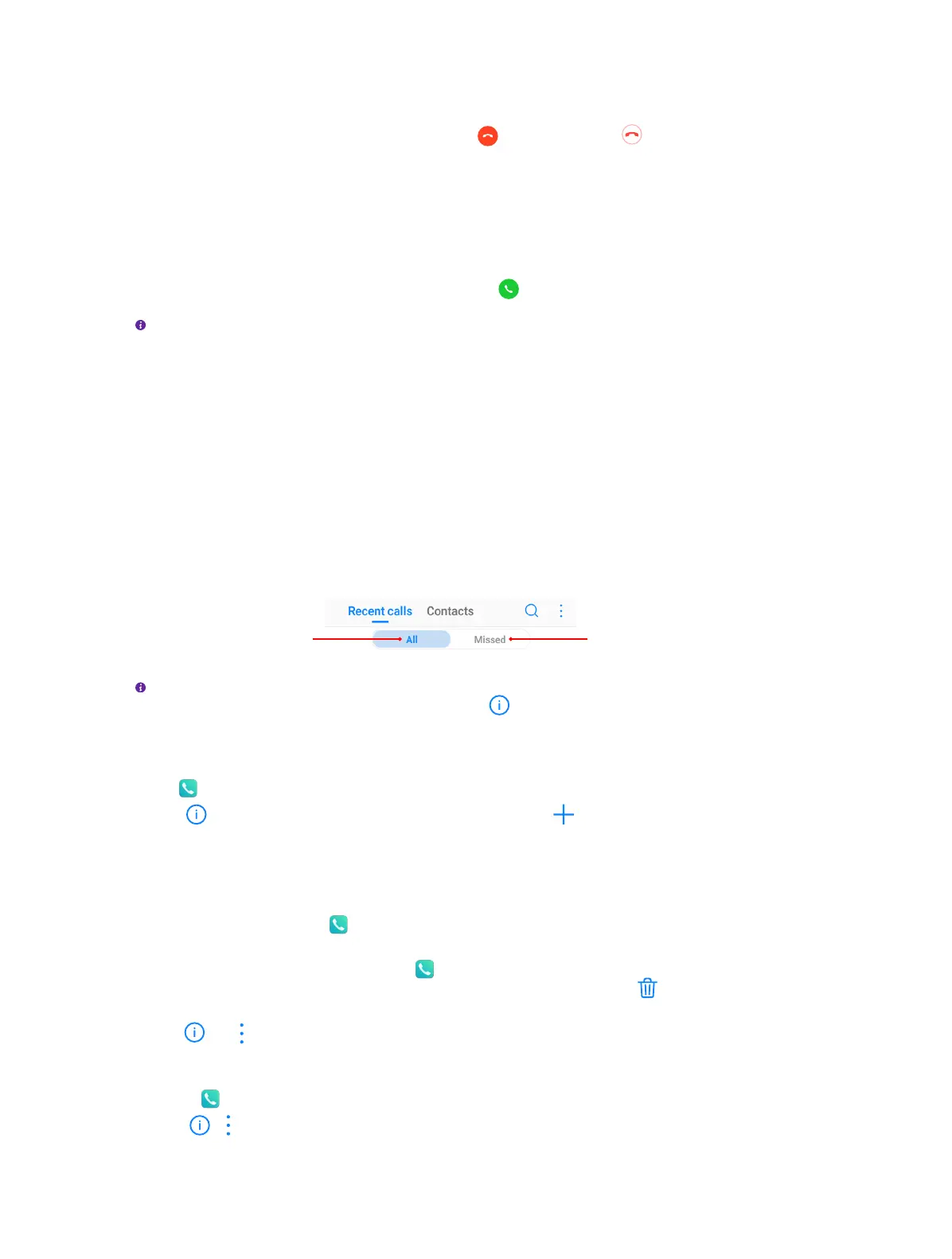
All incoming, outgoing and missed calls are recorded in the call log. Missed calls are displayed in
red.
Tap to view all the calls Tap to view missed calls only
Note:
If a contact (or a number) has more than one log, tap to proceed to details page. Swipe down to the
bottom of the page and tap VIEW MORE, you can view all the call history of this number.
Add a number from the call log
Go to Phone > Recent calls to select a number from the call log and save it to your contacts.
1. Tap beside the number you want to add and then tap .
2. If you want to save the number as a new contact, tap Create new contact. If you want to add the
number to an existing contact, tap the target contact, then tap OK.
Clear the call log
• Clear call history: Go to Phone > Recent calls, touch and hold the number or contact you
want to remove and then tap Delete.
• Delete call history in batches: Go to Phone -> Recent calls, touch and hold a number or a
contact, then tap Batch. Check the logs you want to remove and tap > DELETE.
• Clear the whole call log of a number (or contact): Select the number you want to remove, then
tap . Tap > Clear call history.
Add a number to blacklist from the call log
1. Go to Phone > Recent calls, tap the number you want to add to the blacklist.
2. Tap > > Add to blacklist (Or just touch and hold the number and tap Add to blacklist). And
you will not receive calls from this number any more.



 To Next Page