73Chapter 17 . Settings
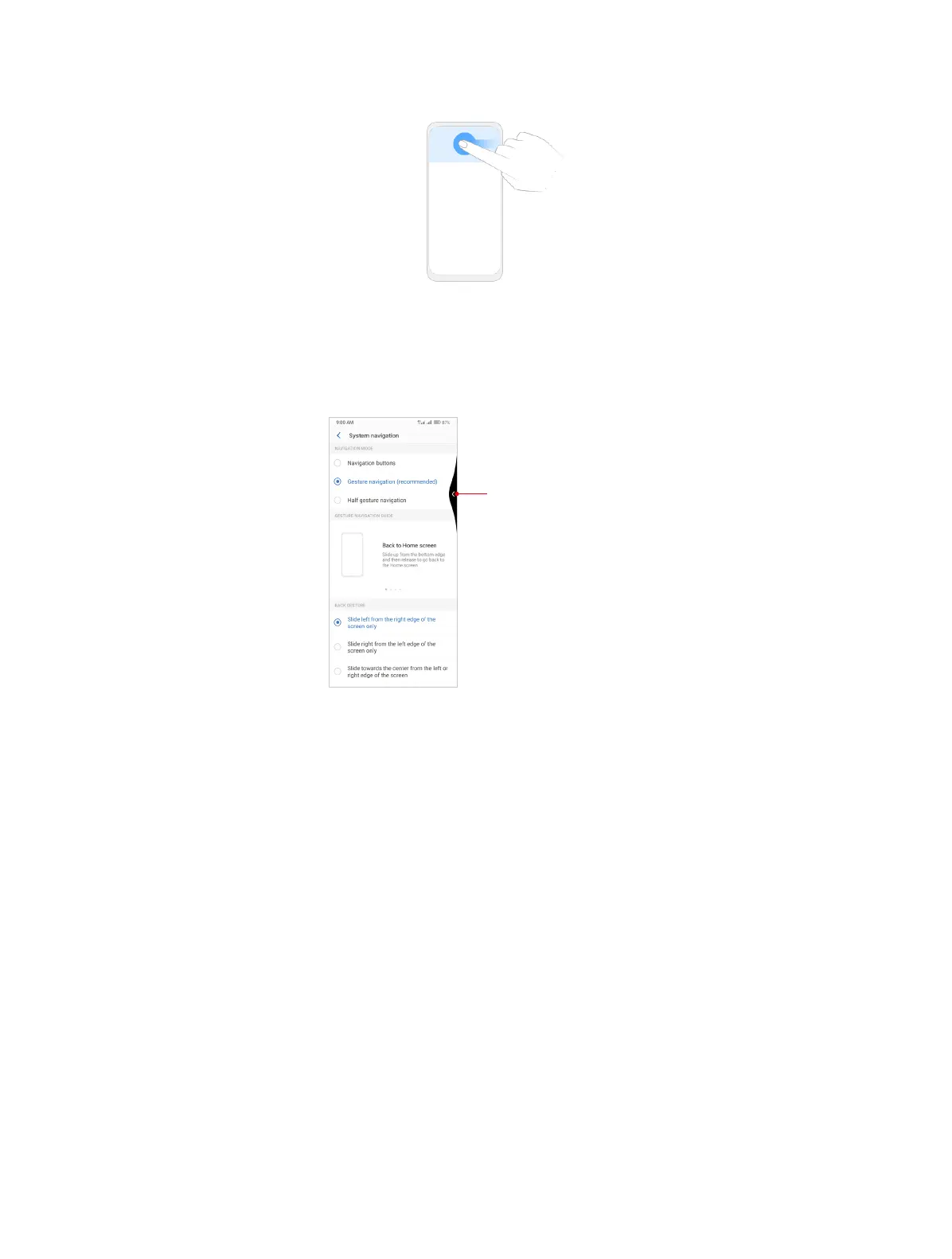
• Visual feedback: Switch on Visual feedback, and then you will get a visual indication of the
gesture direction as shown below.
Visual indication of swipping
left gesture
• Prevent mistaken gesture: Switch on Prevent mistaken gestures on landscape screen, and
then you will need to slide twice for the gesture to take effect in full-screen landscape mode,
such as when playing games or watching full-screen videos.
Half gesture navigation
1. Select Half gesture navigation as the navigation mode.
2. Use the following gestures to control your phone:
• Back gesture: You can tap Back button to go back to the previous screen.



 To Next Page