EasyManua.ls Logo

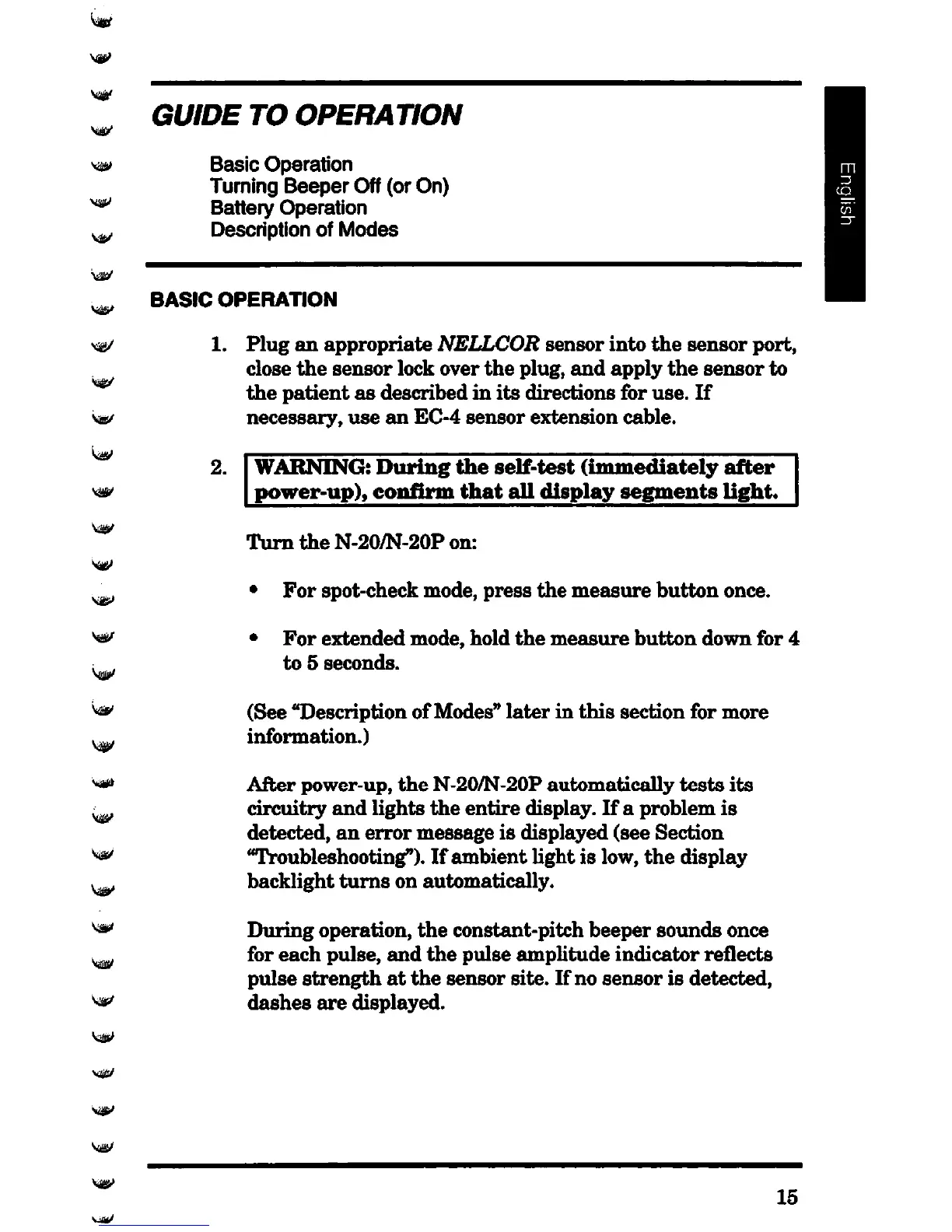
Nellcor N-20 - Guide to Operation; Basic Operation

Nellcor N-20
219 pages
Print Icon
To Next Page IconTo Next Page
To Previous Page IconTo Previous Page
Loading...
GUIDE
TO
OPERATION
Basic
Operation
Turning
Beeper
Off (or On)
Battery
Operation
Description of
Modes
BASIC
OPERATION
1
2.
Plug
an
appropriate
NELLCOR
sensor
into
the
sensor
port,
close
the
sensor
lock
over
the
plug,
and
apply
the
sensor
to
the
patient
as
described
in
its
directions
for
use.
If
necessary,
use
an
EC-4
sensor
extension
cable.
WARNING:
During
the
self-test
(immediately
after
power-up),
confirm
that
all
display
segments
light.
Turn
the
N-20/N-20P
on:
For
spot-check
mode,
press
the
measure
button
once.
For
extended
mode,
hold
the
measure
button
down
for
4
to
5
seconds.
(See
"Description
of
Modes"
later
in
this
section
for
more
information.)
After
power-up,
the
N-20/N-20P
automatically
tests
its
circuitry
and
lights
the
entire
display.
If
a
problem
is
detected,
an
error
message
is
displayed
(see
Section
Troubleshooting").
If
ambient
light
is
low,
the
display
backlight
turns
on
automatically.
During
operation,
the
constant-pitch
beeper
sounds
once
for
each
pulse,
and
the
pulse
amplitude
indicator
reflects
pulse
strength
at
the
sensor
site.
If
no
sensor
is
detected,
dashes
are
displayed.
15

Table of Contents

Related product manuals