NESS D8 V4.7 CONTROL PANEL - USER MANUAL
26
EXAMPLE: ARMING THE D8 BY TELEPHONE
1. Dial the D8 telephone number. Listen for one double ring then hang up.
2. Wait 10 seconds, then dial the D8 telephone number again.
The D8 will answer immediately and gives a 2 second beep followed by low tone.
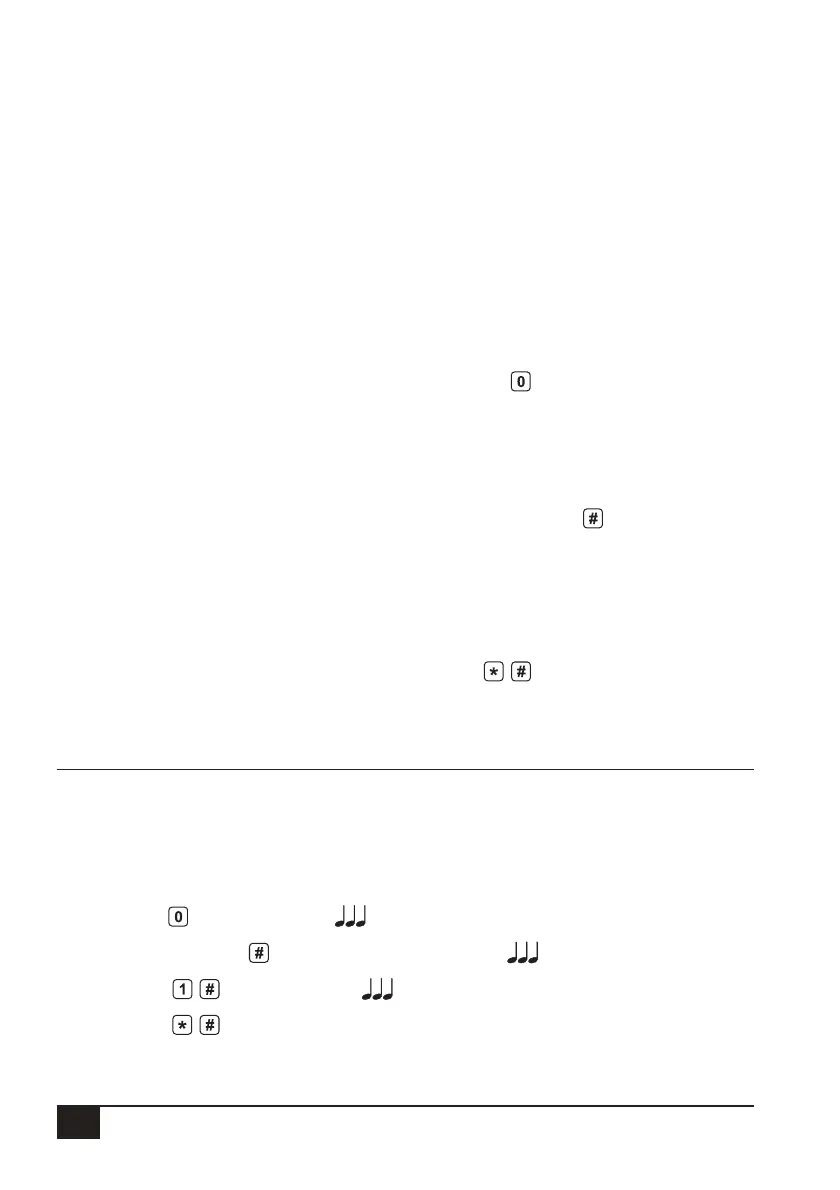
3. PRESS
To prepare the D8 ( 3 beeps)
4. PRESS [User Code]
to authorise the next command ( 3 beeps)
5. PRESS
to Arm the panel ( 3 beeps)
6. PRESS
to fi nish and hang up
OPERATING THE D8 BY TELEPHONE
The D8 will allow a user to call in to the panel,
using a standard DTMF telephone, and
remotely Arm or Disarm all areas and also turn
on or off Aux 1 and Aux 2.
To ensure security of operation a user can only
carry out remote operations after entering a
valid user code.
WHAT’S NEEDED:
• A telephone with DTMF tones.
• A Valid User code programmed in the D8.
• The D8 to be connected (via Mode 3 socket)
to a working telephone line at the installed
premises.
• You need to know the telephone number of
the line that the D8 is connected to.
REMOTE OPERATION
SEQUENCE OF OPERATION.
1. Phone the D8 telephone number and
listen for the required number of rings (ring
ring...ring ring) and then hang up.
2. Wait 10 seconds and then call the number
again within 50 seconds.
3. The D8 will answer the second call
immediately, sound a beep for 2 seconds
then, after a pause, it will sound a lower
frequency tone. The D8 is now ready to
receive telephone commands.
4. Press the
button on the telephone. This
tells the D8 that telephone commands will
follow. It will respond with either 3 beeps if
all OK (One long beep means try again).
5. Now enter a valid User Code (that is
normally used for Arming or Disarming the
D8) followed by the
button.
The D8 will respond with 3 beeps if it
recognises the code or 1 long beep to
signal the code was invalid and to try again.
6. Enter the required command.
See: Summary Of Telephone Commands.
7. Press
to fi nish. This tells the D8 to
hang up. Also, hang up your telephone.



 To Next Page