Security Gateway Manual Netgate-4200
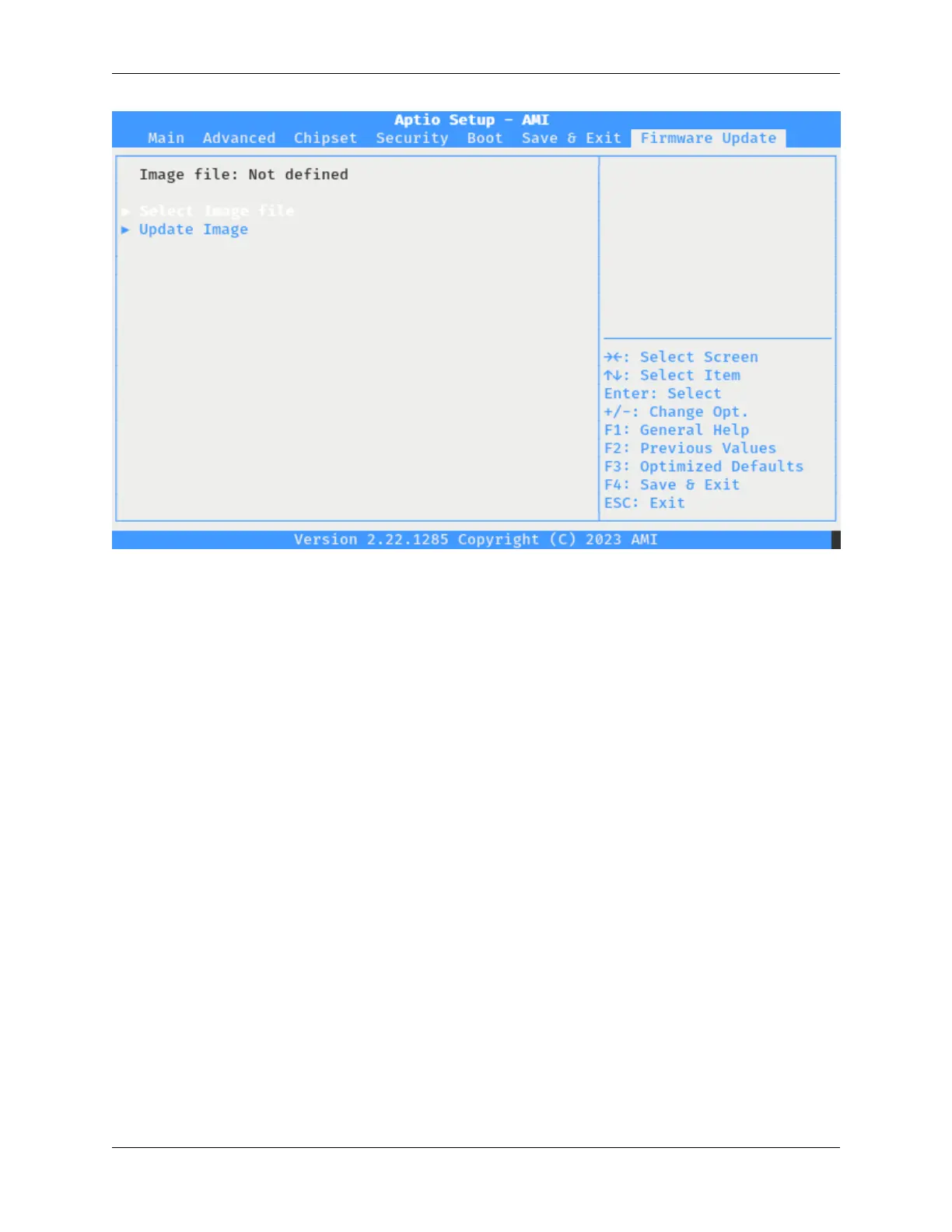
Fig. 17: The Netgate 4200 BIOS Firmware Update Tab
2.9.3 Update the BIOS
Starting from the Firmware Update tab in the BIOS, take the following steps to update the BIOS.
Choose items from the menu by using the arrow keys to select an entry and then pressing the Enter key to confirm the
selection.
• Choose Select Image file.
This action will will trigger a dialog prompt for a storage device.
• Select the USB device with the DOS partition.
The listed size should match the size of the drive.
This action will trigger a dialog prompt for the BIOS update file.
• Select the BIOS update file from the list, for example 2AZRT81.rom.
This action will close the selection dialog and return to the Firmware Update tab.
• Confirm the selected image file is displayed at the top of the Firmware Update tab.
• Select Update Image to begin the BIOS update.
The device will update the BIOS using the selected file and display a progress meter during this process.
When the upgrade completes, the device will prompt to reset.
• Reset the system by pressing a key (e.g. Enter or Space) when prompted.
After pressing a key, the device will reboot with the new BIOS.
© Copyright 2024 Rubicon Communications LLC 72



 To Next Page