Security Gateway Manual Netgate-4200
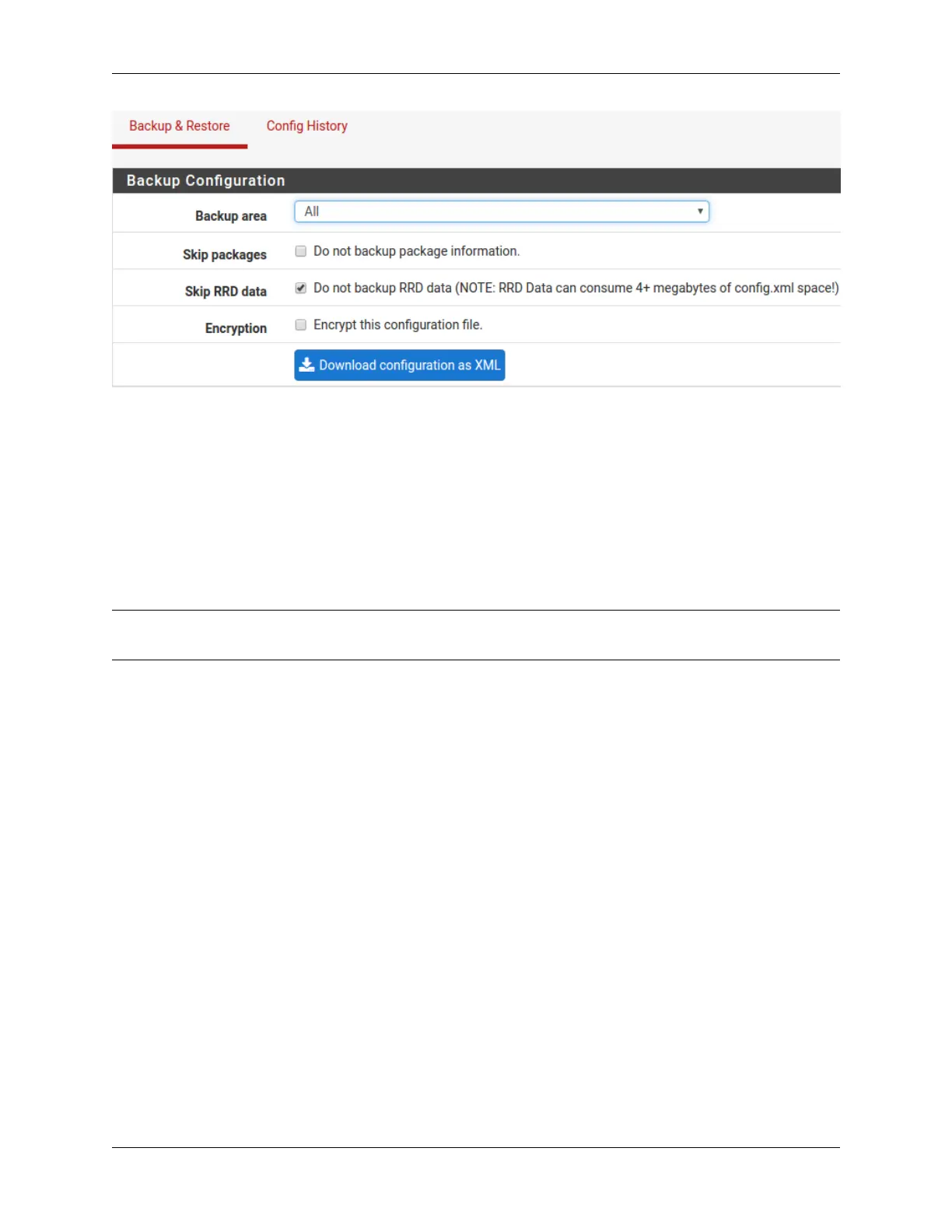
Fig. 11: Click Download configuration as XML
1.3.4 Connecting to the Console
There are times when accessing the console is required. Perhaps GUI console access has been locked out, or the
password has been lost or forgotten.
See also:
Connecting to the USB Console. Cable is required.
Tip: To learn more about getting the most out of a Netgate appliance, sign up for a pfSense Plus Software Training
course or browse the extensive Resource Library.
1.3.5 Updates
When a new version of pfSense Plus software is available, the device will indicate the availability of the new version
on the System Information dashboard widget. Users can peform a manual check as well by visiting System > Update.
Users can initiate an upgrade from the System > Update page as needed.
For more information, see the Upgrade Guide.
1.4 Input and Output Ports
1.4.1 Rear Side
The rear side of the Netgate 4200 contains several items of interest for connecting to and managing the device.
The items below are marked with circled numbers on figure Rear view of the Netgate 4200 Firewall Appliance:
© Copyright 2024 Rubicon Communications LLC 12



 To Next Page