Security Gateway Manual Netgate-4200
Note: The RJ45 Serial Console port is only for use with the Serial Console. It cannot be used for
any other purpose.
Status LEDs (5)
The rear status LEDs show the same output as the status LEDs on the front of the unit. See Status
LEDs for information on interpreting the meaning of different LED states.
Networking Ports (6)
This group of four ports are the network interfaces. They are explained in detail in the next section,
Networking Ports.
Networking Ports
The section on the rear of the device numbered 6 in Rear view of the Netgate 4200 Firewall Appliance contains the
network interfaces. These ports are labeled 1 through 4 on the device.
Label Assigned Name Device Name Type Speed
1 PORT1WAN igc3 RJ-45 2.5 Gbps
2 PORT2LAN igc2 RJ-45 2.5 Gbps
3 PORT3 igc1 RJ-45 2.5 Gbps
4 PORT4 igc0 RJ-45 2.5 Gbps
Note: The igc(4) network interfaces on this device do not support fixed speed operation. These interfaces emulate
a speed/duplex choice by limiting the values offered during autonegotiation to the speed/duplex value selected in the
GUI.
When connecting different devices to these interfaces the peer should typically be set to autonegotiate, not to a specific
speed or duplex value. The exception to this is if the peer interface has the same limitation, in which case both peers
should select the same negotiation speed.
1.4.2 Front Side
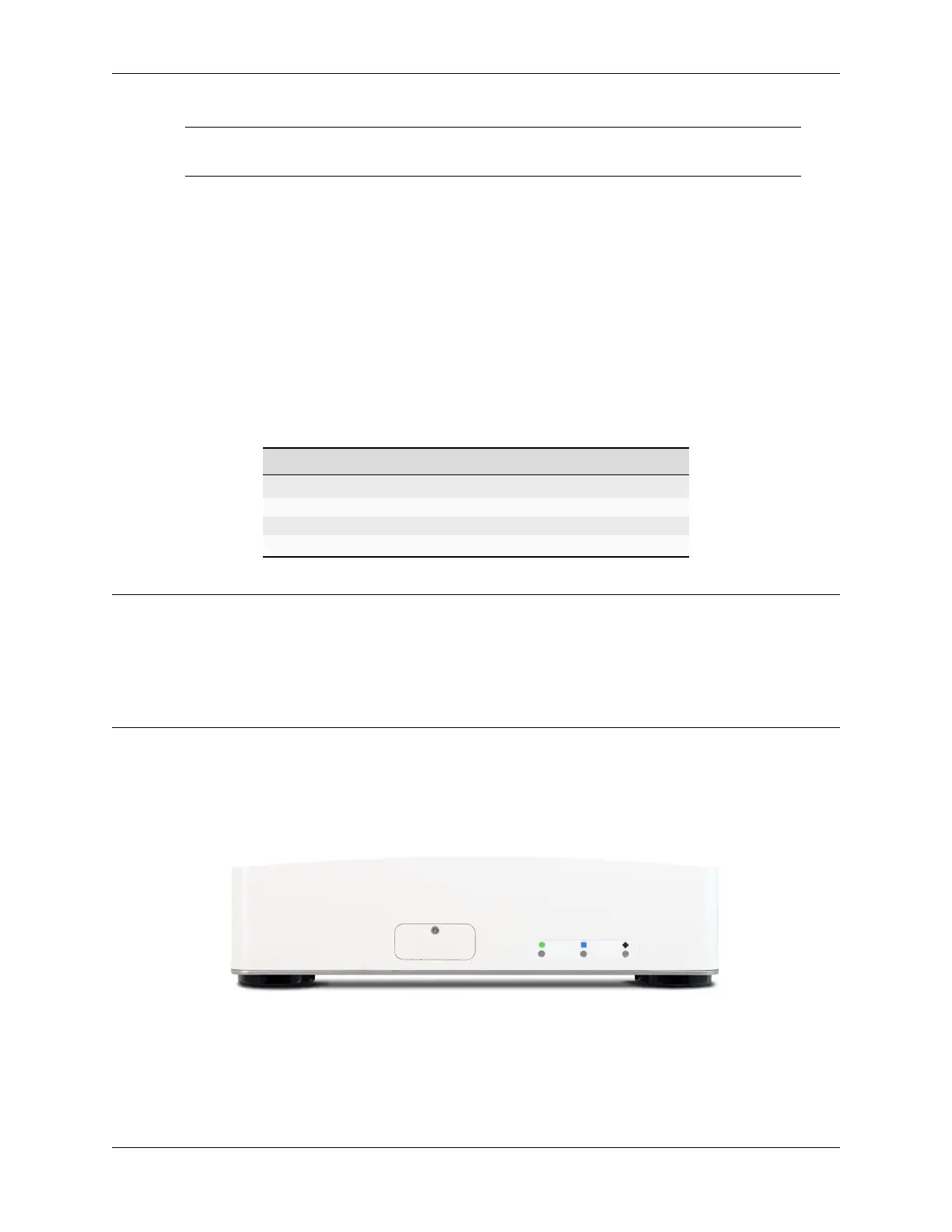
The front of the device has Status LEDs as well as an access panel for future expansion uses.
Fig. 13: Front view of the Netgate 4200 Firewall Appliance
© Copyright 2024 Rubicon Communications LLC 14



 To Next Page