Security Gateway Manual Netgate-4200
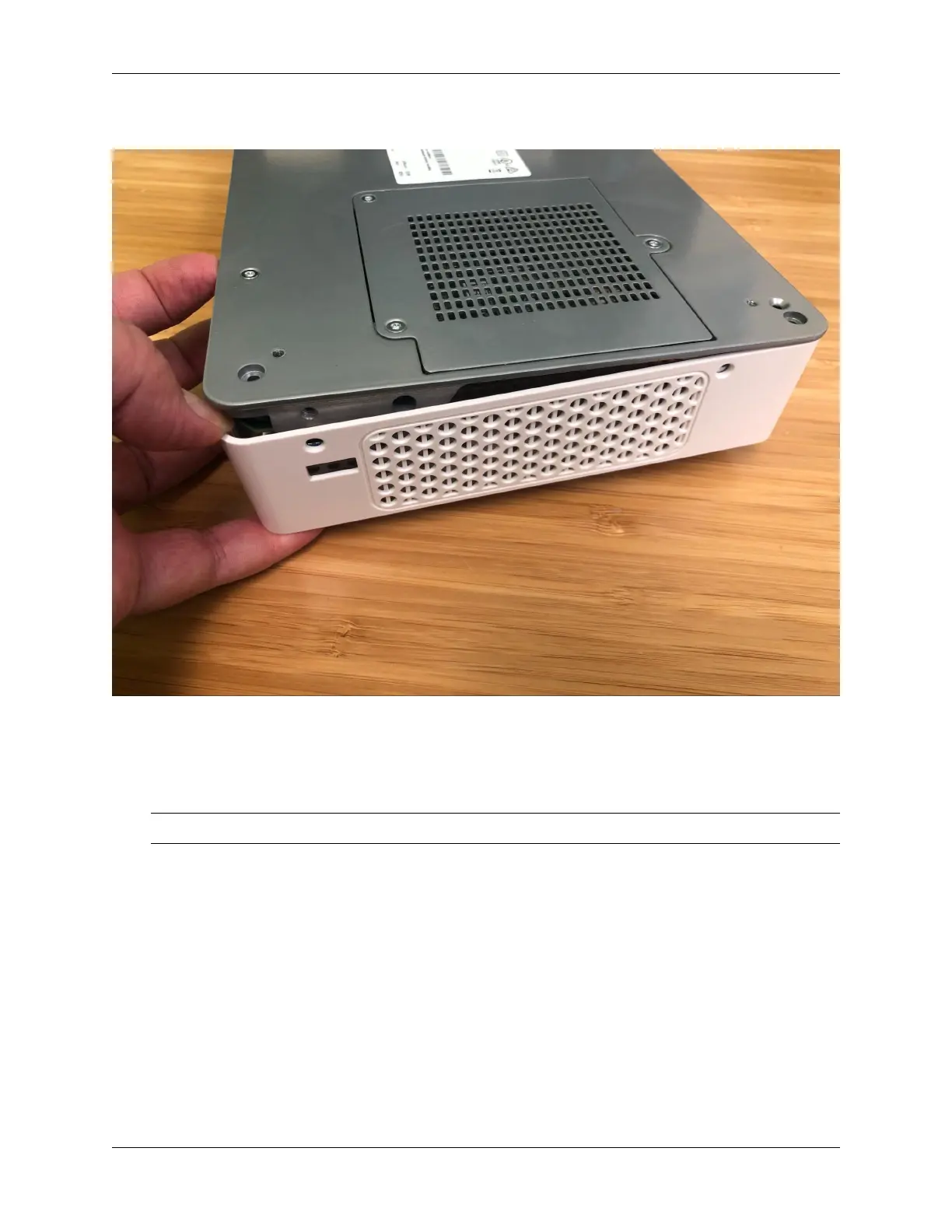
11. Continue gently prying the corner while starting to pull the metal base and I/O panel up and away from the lid.
Fig. 32: Separating the lid from the metal base
12. Continue separating the lid from the chassis, gradually work around to the front of the lid where the LEDs and
SIM slots are located.
Tip: At this point it may be easier to tilt the device upright on its side.
13. Gently pull the edge of the plastic lid at the front of the device away from the base only far enough for the lid to
clear the LED guides and the SIM card slots.
14. Continue to work around to the other side of the chassis, pulling and separating.
The lid will fully separate from the chassis.
15. Set the lid off to the side, keeping it upright to avoid damaging the top surface.
16. Turn the chassis upright so that the system board is visible.
17. Set the upright system flat on its base.
18. Turn the device so the I/O panel (“rear” of the system) is visible.
© Copyright 2024 Rubicon Communications LLC 86



 To Next Page