CHAPTER
TWO
HOW-TO GUIDES
2.1 Configuring the Switch Ports
See also:
For an overview of how the switch ports operate and their capabilities, see Switch Ports Overview.
2.2 Switch Section
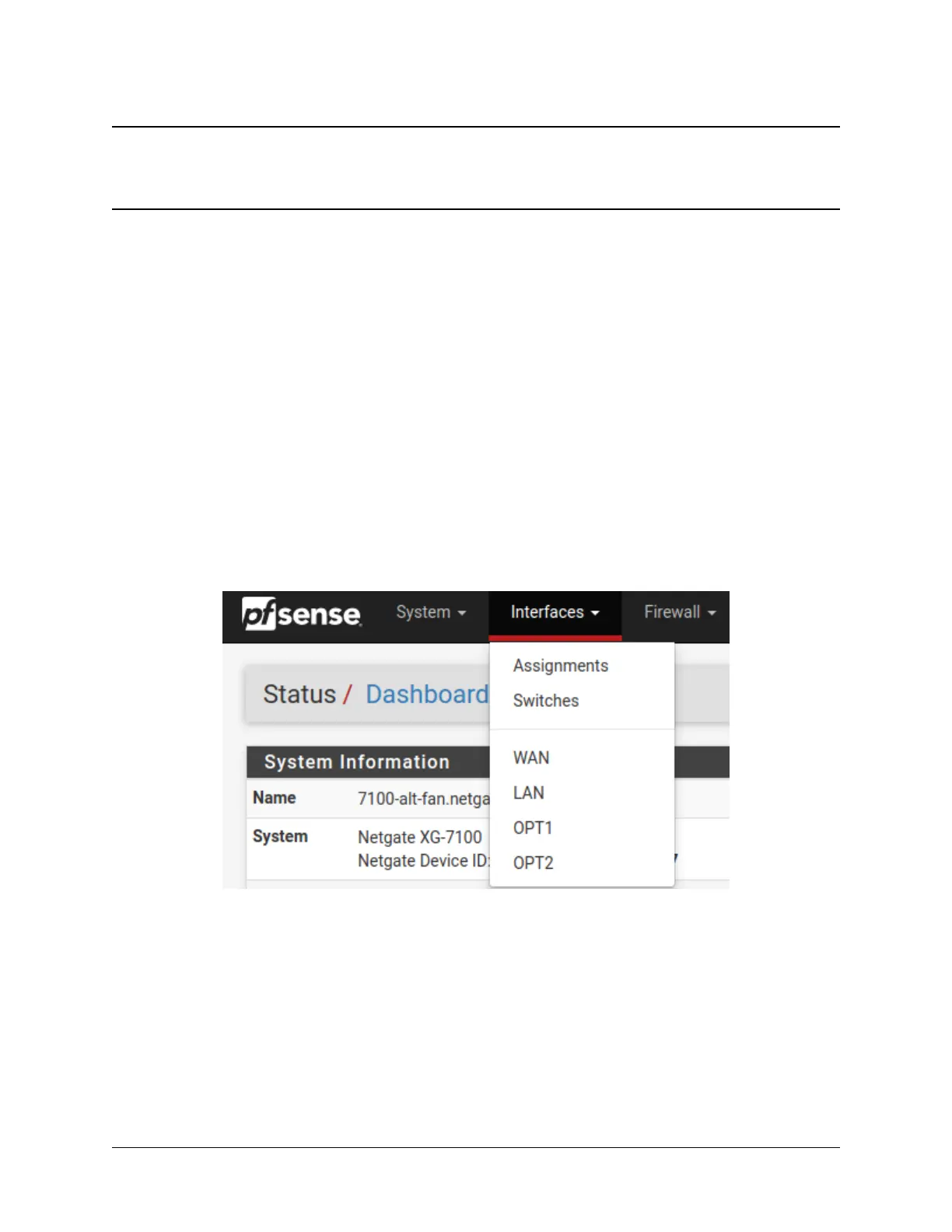
In the pfSense
®
Plus software GUI, there is a menu option Switches under the Interfaces drop-down. This section
contains switch specific configuration options.
Selecting Switches from the drop-down will bring up the Switch page with four sections:
25



 To Next Page