Security Gateway Manual XG-7100
2.4 Switch Configuration Examples
2.4.1 Dedicated LAN switch
In this scenario, SFP+ port ix0 will be configured as the WAN interface and ETH1-8 will be configured as a LAN
switch.
This example performs the WAN interface reassignment using the console. The WAN assignment can be changed
using the GUI.
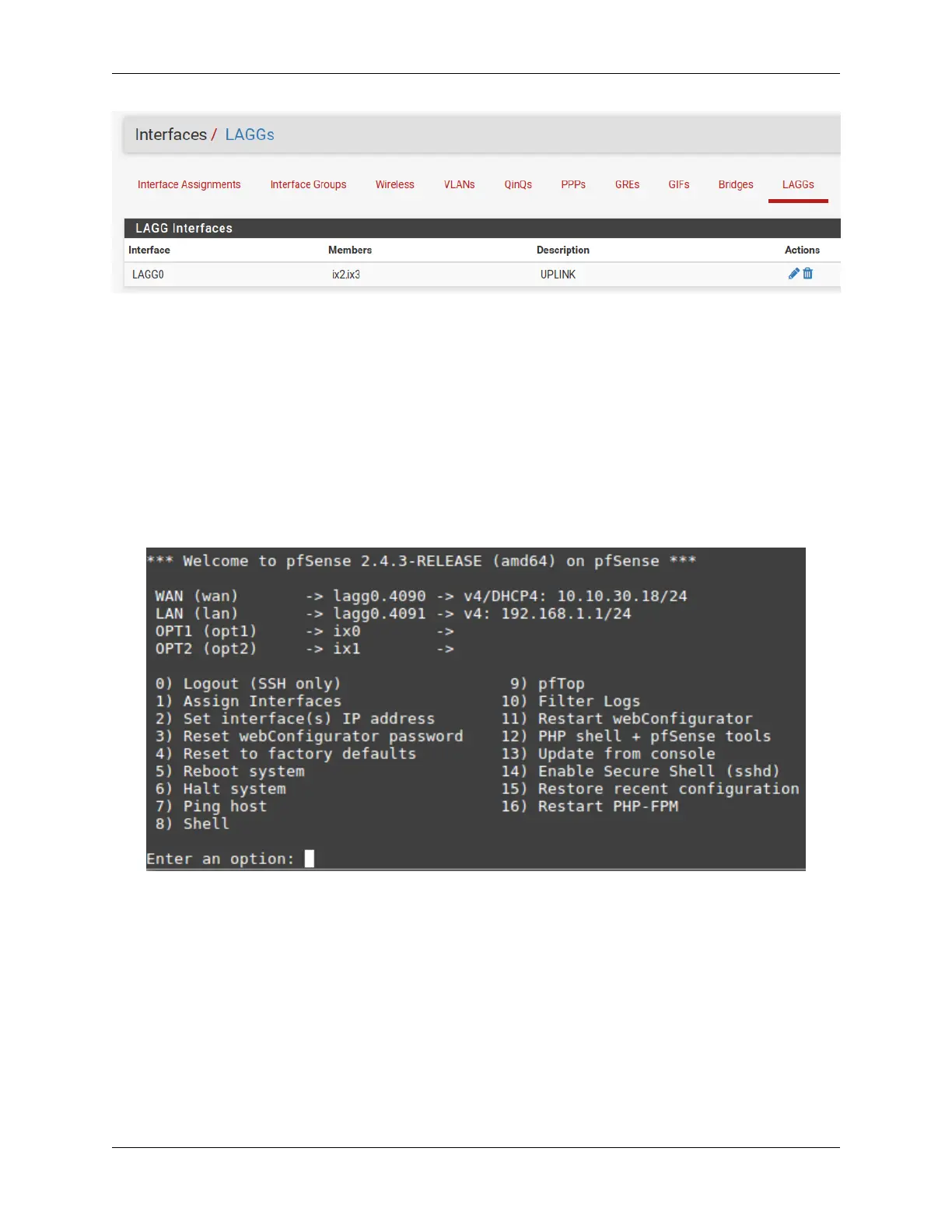
This is what the default interface assignments look like on a Netgate 7100 DT:
In this example, ix0 is the WAN, so select option 1 to re-assign WAN from lagg0.4090 to ix0:
© Copyright 2024 Rubicon Communications LLC 30



 To Next Page