Security Gateway Manual XG-7100
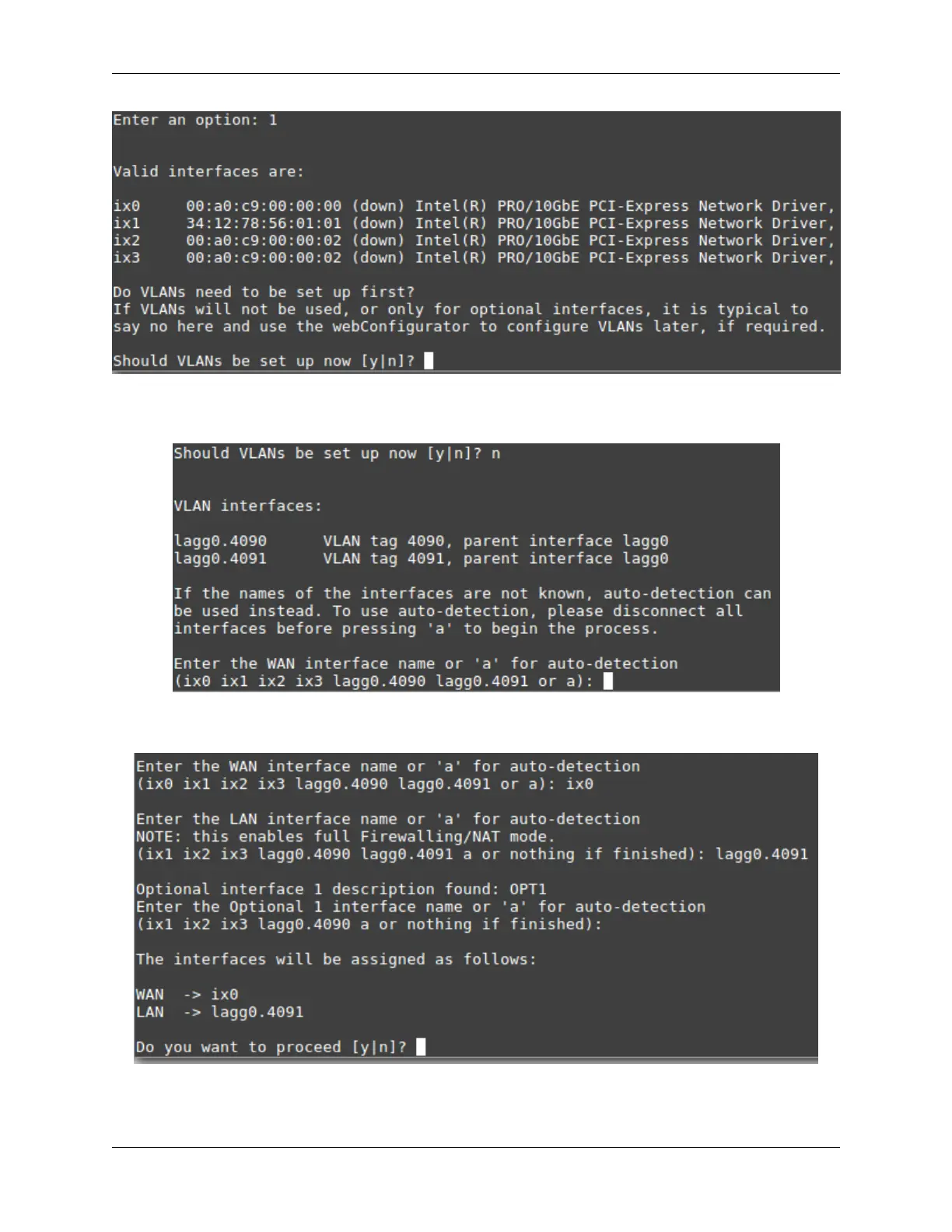
No additional VLANs are needed for this, so enter n to continue.
Input ix0 as the new WAN interface name:
Input the same default LAN interface of lagg0.4091 for the LAN interface name and press Enter to complete the
interface reassignment:
The interface assignments should show like this now:
© Copyright 2024 Rubicon Communications LLC 31



 To Next Page