Security Gateway Manual XG-7100
1.1.1 What next?
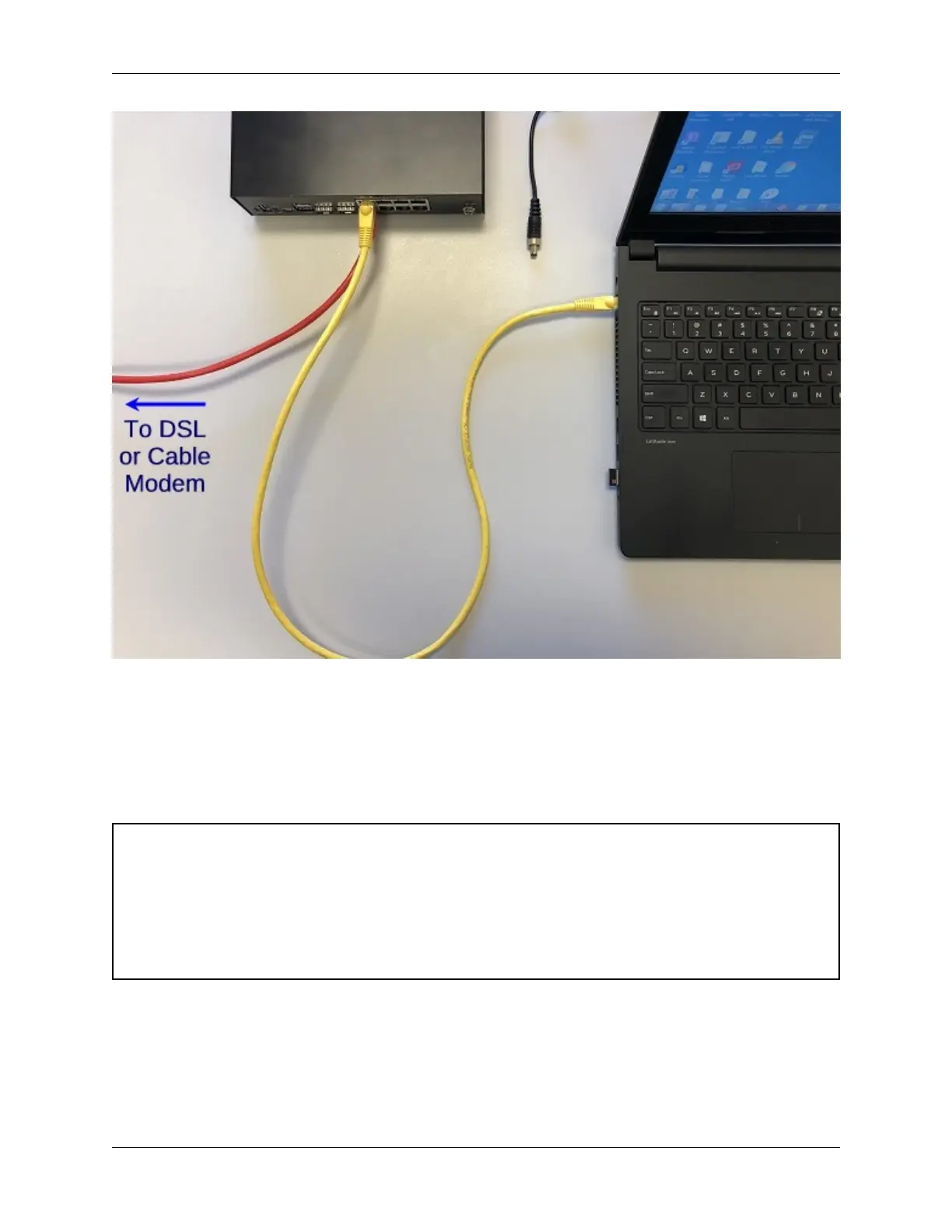
To connect to the GUI and configure the firewall in a browser, continue on to Initial Configuration.
To connect to the console and make adjustments before connecting to the GUI, see Connecting to the USB Console
Port.
Warning: The default IP Address on the LAN subnet on the Netgate firewall is 192.168.1.1/24. The same
subnet cannot be used on both WAN and LAN, so if the default IP address on the ISP-supplied modem is also
192.168.1.1/24, disconnect the WAN interface until the LAN interface on the firewall has been renumbered to
a different subnet (like 192.168.2.1/24) to avoid an IP Address conflict.
To change an interface IP address, choose option 2 from the Console Menu and walk through the steps to change
it, or from the GUI, go through the Setup Wizard (opens at first boot, also found at System > Setup Wizard) and
change the IP address on Step 5. Complete the Wizard and save the changes.
© Copyright 2024 Rubicon Communications LLC 3



 To Next Page